Get One Month of Starlink FreeSPECIAL OFFER: GET A FREE MONTH OF STARLINK >
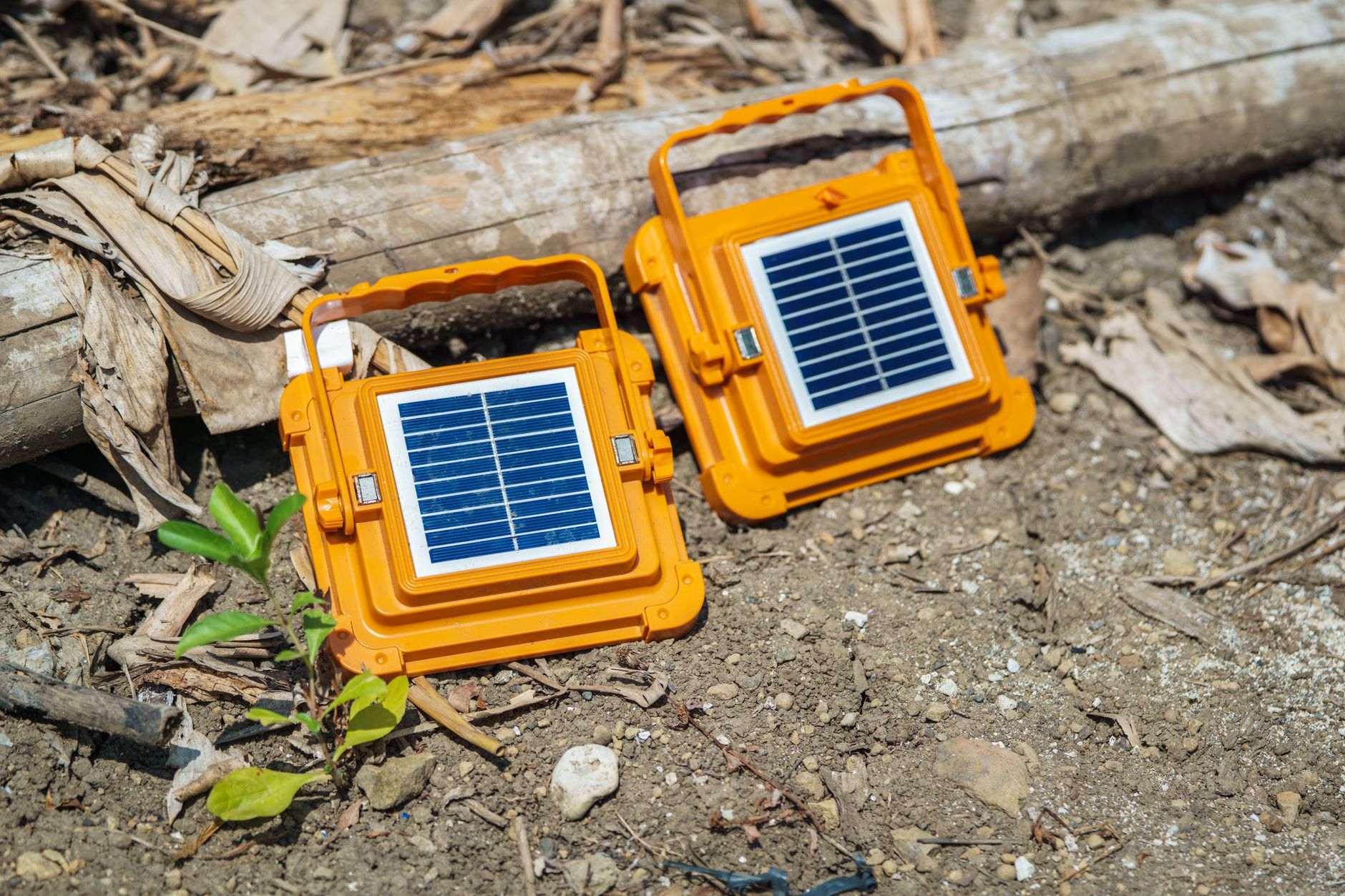
Portable solar panels representing off-grid Starlink power solutions

Starlink Power & Solar Solutions

Starlink battery, solar, UPS and off-grid power guides for reliable use away from mains electricity.

More from Starlink Power & Solar Solutions

View playlist

How to Power Starlink Off-Grid with Solar and Battery Systems – Our Professional Configuration Guide

ZEMU Solar Power System explains how to power Starlink off-grid with solar and battery systems. Starlink Tips viewing notes: Build a daily energy budget for the dish, router and any other equipment, then include conversion losses and reserve. Solar-panel nameplate output is not the energy you will necessarily collect across a cloudy day. Check the intended season, shading, battery capacity and output settings. An overnight shutdown may reflect depleted capacity or a timer, so record the time and remaining charge before replacing equipment. Use the related power-station answer and power-budget guide to organise a supervised test. Fixed electrical work and equipment protection should follow the applicable manufacturer instructions and qualified installer advice. Related guides and practical Q&A are linked in the questions section below. For the referral offer, use the “Claim Your Free Month” button beneath the player. Order through my referral link and activate your service. Your second month of Starlink service will be free.

ZEMU Solar Power System
Visit ZEMU Solar Power System →

How to Power Starlink Off-Grid with Solar and Battery Systems – Our Professional Configuration Guide

ZEMU Solar Power System explains how to power Starlink off-grid with solar and battery systems. Starlink Tips viewing notes: Build a daily energy budget for the dish, router and any other equipment, then include conversion losses and reserve. Solar-panel nameplate output is not the energy you will necessarily collect across a cloudy day. Check the intended season, shading, battery capacity and output settings. An overnight shutdown may reflect depleted capacity or a timer, so record the time and remaining charge before replacing equipment. Use the related power-station answer and power-budget guide to organise a supervised test. Fixed electrical work and equipment protection should follow the applicable manufacturer instructions and qualified installer advice. Related guides and practical Q&A are linked in the questions section below. For the referral offer, use the “Claim Your Free Month” button beneath the player. Order through my referral link and activate your service. Your second month of Starlink service will be free.

ZEMU Solar Power System
Visit ZEMU Solar Power System →

Questions & answers

Questions about this video

Straight answers to the questions readers ask most often.

Will Starlink keep working during a power cut?

Starlink needs a working power supply at your property. It will normally stop when mains power fails unless you have suitable backup power for the complete connection.

The equipment to keep running may include the dish, its power supply, the router and any switch or Wi-Fi access point needed by your device. Powering only a laptop will not restore the internet connection.

A UPS or battery system can bridge some interruptions, but choose it around measured load, supported output and the runtime you need. Test the arrangement before relying on it, including whether the equipment restarts or stays connected when the supply changes.

Backup power does not guarantee internet service: an obstruction, damaged cable or wider Starlink outage can still interrupt the connection. Keep a mobile fallback if losing service would prevent essential work or communication.

Check the battery charge periodically and keep its ventilation clear. For fixed household backup or electrical alterations, use a qualified installer. Never connect an improvised supply to Starlink equipment.

Read our related guide: How to Build a Backup Internet Plan for Starlink Outages.

Related official guidance: Standard hardware specifications.

Reviewed: 23 September 2026. Plan and hardware details should be checked for your country and equipment.

Get One Month of Starlink Free

Claim Your Free Month

Order through my referral link and activate your service. Your second month of Starlink service will be free.

Open and share this answer
Can I run Starlink from solar power?

Yes, with a correctly designed power system. Solar panels alone do not establish that you can run Starlink reliably: the battery, controller, output supply, local sunlight and other loads all matter.

Start by measuring the complete setup's average power consumption. A hypothetical 60-watt load running for 10 hours uses 600 watt-hours before battery, inverter and conversion losses. Your installation may consume more or less, especially with different hardware or heating behaviour.

Size the battery for the period when usable sunlight is unavailable, and size generation to replace daily consumption under realistic seasonal conditions. A panel's rated wattage is a test-condition figure, not a promise of continuous output throughout the day.

Use hardware-compatible, properly rated power accessories. A connector that fits does not establish that the voltage, polarity or available power is correct. Have permanent vehicle or building wiring designed and installed by a qualified person.

Test on a cloudy day and monitor battery state. Reduce operating hours only when the resulting internet downtime is acceptable.

Read our related guide: How Much Electricity Does Starlink Use? A Practical Power-Budget Guide.

Related official guidance: Standard hardware specifications.

Reviewed: 23 September 2026. Plan and hardware details should be checked for your country and equipment.

Get One Month of Starlink Free

Claim Your Free Month

Order through my referral link and activate your service. Your second month of Starlink service will be free.

Open and share this answer
Why does my power station switch itself off overnight when powering Starlink?

Check the power station's event information, remaining charge and output settings before blaming Starlink. Possible causes include a depleted battery, an output timer, low-load shutdown or a protection event. Starlink's own Sleep Schedule may change the overnight load, so check both devices.

Some power stations let you change an AC timeout. For example, EcoFlow documents this control for the DELTA 2; do not assume another model has identical settings. Follow the manual for your exact unit.

First repeat the setup while you are present. Confirm which output stops, record the time, and compare it with the configured timers and battery level. Measure the complete load and include inverter losses when estimating runtime.

Do not defeat overheating or electrical protection, and do not add a wasteful dummy load as the first fix. If the output stops despite sufficient charge and appropriate settings, contact the power-station manufacturer with the observations. Retest overnight only after the behaviour is understood.

Related guides

Related videos

Source and review

Official reference. Reviewed 26 September 2026. Practical test sequences are Starlink Tips editorial guidance.

Get One Month of Starlink Free

Claim Your Free Month

Order through my referral link and activate your service. Your second month of Starlink service will be free.

Starlink Tips is independent and may receive a referral reward. Check the offer displayed by Starlink for your order.

Open and share this answer
Browse all questions