Connect NETGEAR Orbi to Starlink and Verify the Whole Path
Equipment & Accessories
Orbi can replace or extend the local Wi-Fi arrangement, but a new mesh system cannot improve a blocked sky view. Establish which part of the connection needs help first.
Work through the setup
Step 1
Record the Starlink hardware and the Orbi model. Check the required Ethernet connection and supported setup instructions.
Step 2
Decide which device will route the network. Review NETGEAR and Starlink instructions for the chosen arrangement rather than blindly combining router modes.
Step 3
Back up existing network details and plan recovery before enabling bypass. Bypass disables Starlink Wi-Fi and may require a physical reset to reverse.
Step 4
Set up the main Orbi and one satellite. Confirm internet access, local device access and the satellite backhaul before expanding.
Step 5
Test a client near the main unit and in the original problem area. Compare the same activity at the same time of day.
Step 6
Save a diagram, operating-mode note and support contacts. Check that users know which network to join after the change.
Worked example
Suppose an Orbi upgrade improves upstairs coverage while the dish-to-internet result remains unchanged. That is a useful local-network improvement, not evidence that the new mesh increased satellite capacity. Keep the role of each router clear, test the satellite backhaul and verify any local services before retiring the previous Wi-Fi arrangement.
Interpret the result
- Local coverage improves: Keep the proven arrangement.
- Satellite test remains poor: Investigate the WAN separately.
- Local services disappear: Review modes and subnets before adding hardware.
Checks and limitations
NETGEAR says Starlink routers do not support WPS, so an extender needs another supported setup method. Keep model-specific cabling and recovery instructions available during installation.
Sources and review
Official documentation for this guide
Reviewed: 11 November 2026. The practical sequence and worked example are Starlink Tips editorial guidance. Check current instructions for your hardware, software and country.
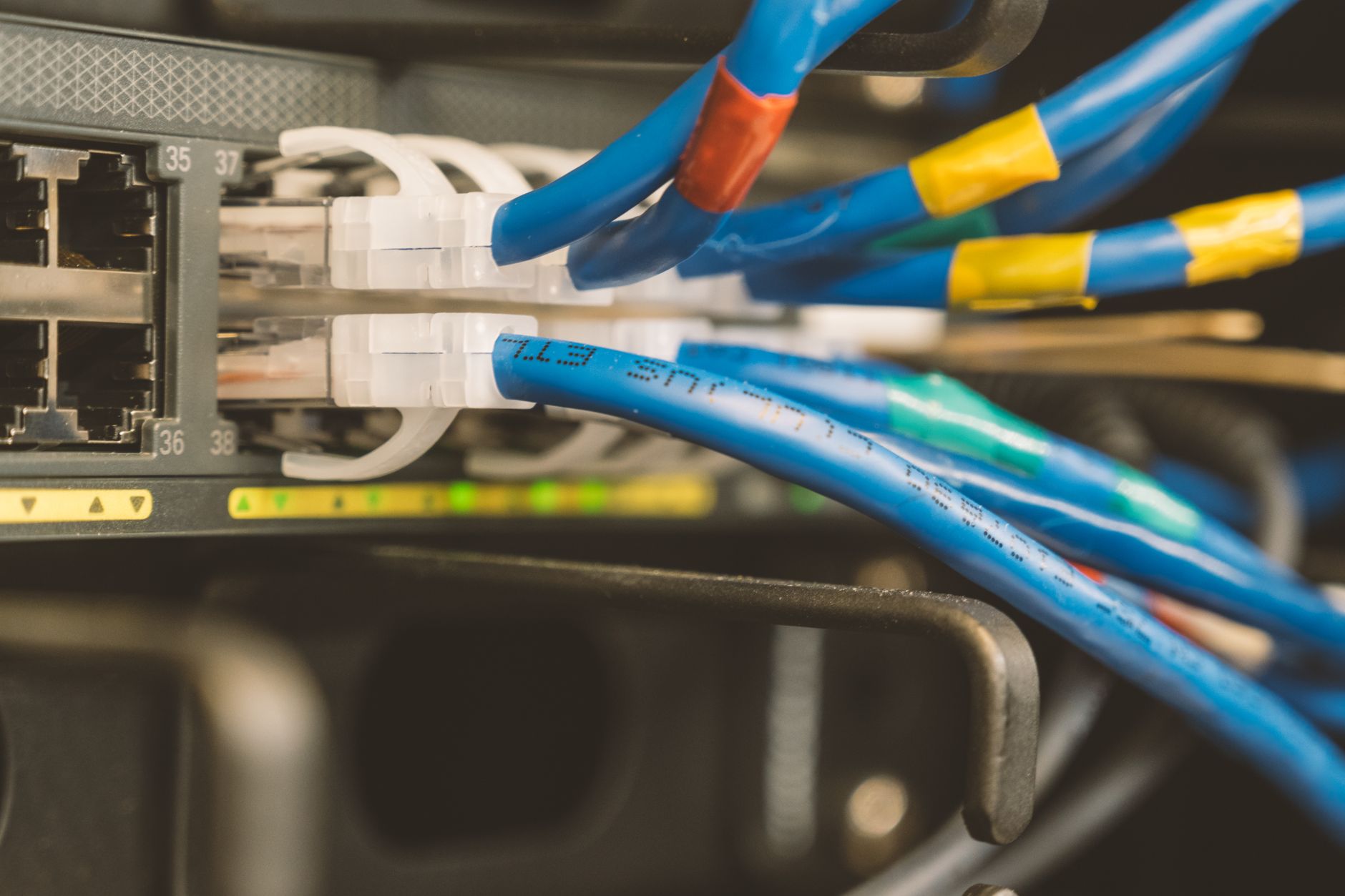
Illustrative photograph: Network switch and blue ethernet cable with white tips connected to system for maintenance Credit: Brett Sayles.