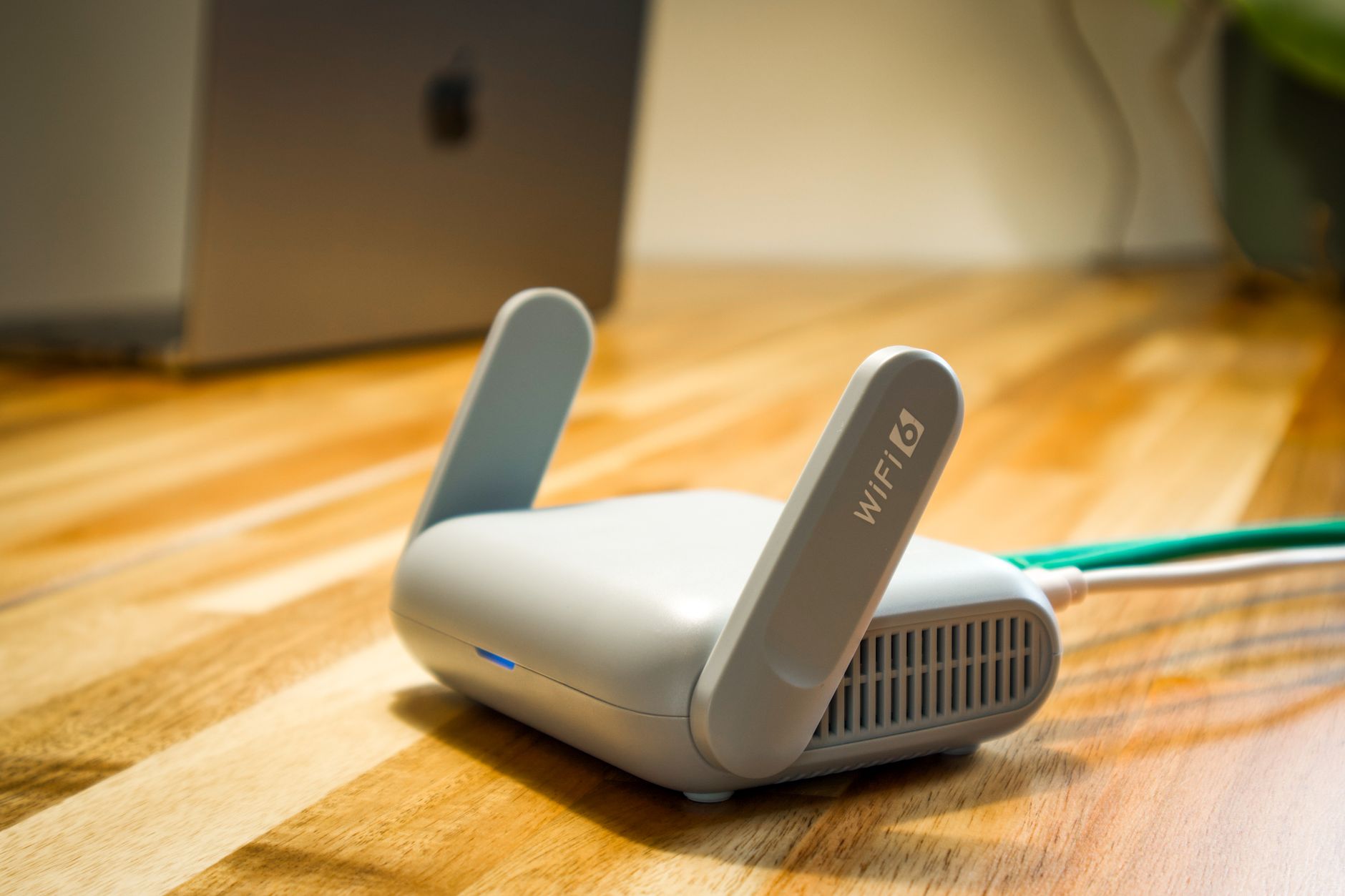
Will a Wi-Fi 6 or Wi-Fi 6E router make Starlink faster?
It can improve the wireless part of your network when that part is the limitation. It cannot create additional satellite capacity or remove an obstruction outside.
Compare the same device close to the router, at its normal location and over Ethernet where possible. If the wired connection is healthy but Wi-Fi falls well behind, placement, interference or a suitable wireless upgrade may help.
Check both ends of the proposed upgrade. A client must support the relevant Wi-Fi features to use them; buying a 6 GHz-capable access point does not give an older laptop a 6 GHz radio. Walls, distance and the access point's wired connection also matter.
Record several before-and-after results using the same activity and location. Judge the change by reliable calls, useful coverage and local transfers as well as speed-test peaks. If Ethernet is equally slow, investigate the upstream connection before buying a new router.
Related guide
How to Add Wi-Fi 6 to Starlink: A Practical Router Upgrade Guide
Reference
Official Apple networking guidance. Equipment features and procedures vary; use the instructions for your exact model.
Reviewed 25 October 2026. Practical checklists are Starlink Tips editorial guidance, not claims of hands-on testing.
Get One Month of Starlink Free
Eligible new customers can receive a service credit for their second month when ordering through this referral link. Check the current offer and eligibility at Starlink checkout. Starlink Tips may receive a referral reward.