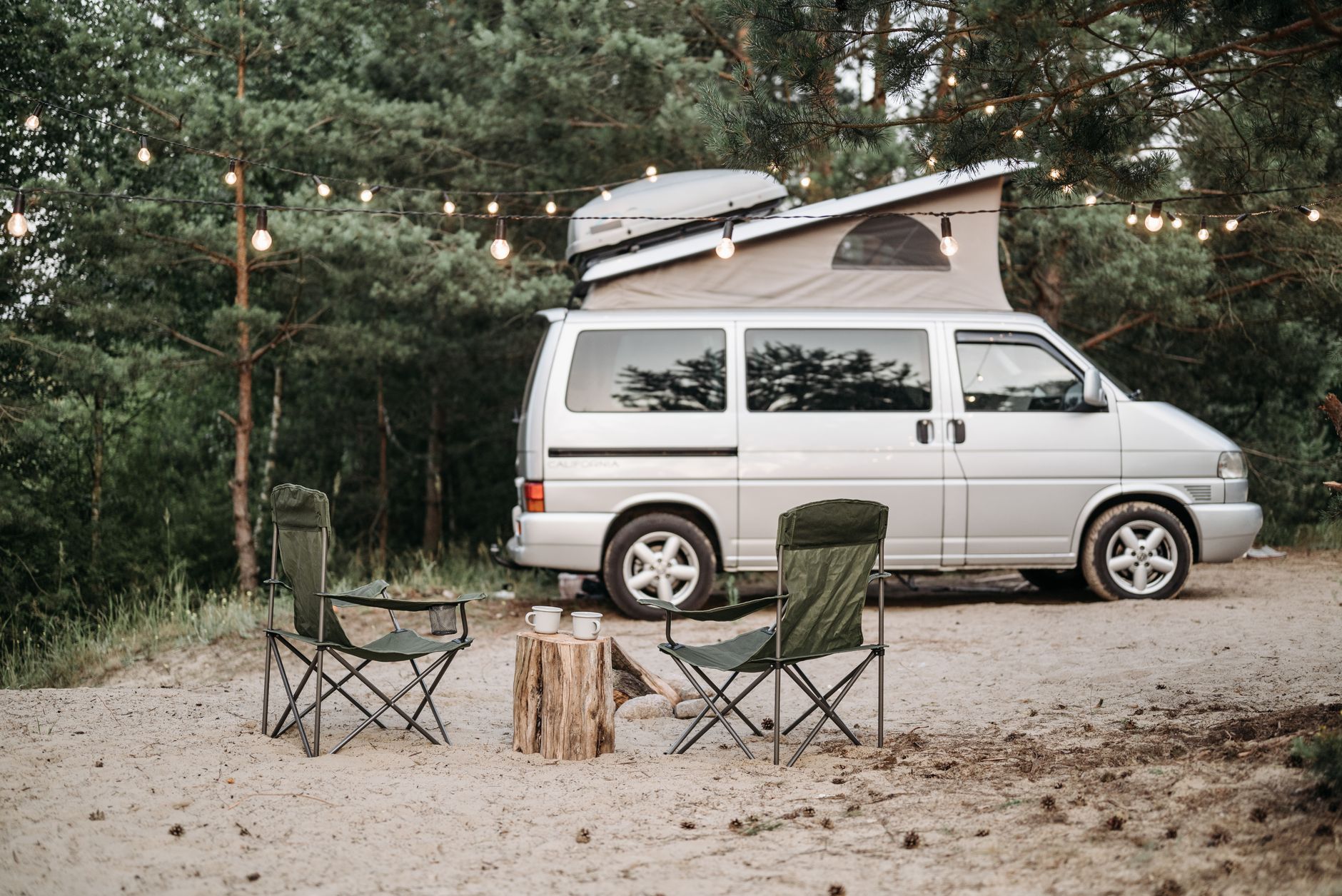
How to Secure a Starlink Dish From Theft at a Campsite or Remote Site
Campervans, Motorhomes & RVs
A portable Starlink setup is easy to move, which is useful at a campsite, worksite or remote property. It also means a dish, stand, router, power station and cable can be vulnerable when nobody is watching them.
This guide explains how to reduce theft risk without drilling the dish, trapping the cable, blocking ventilation or creating a hazard for other people. No temporary setup is theft-proof, so the safest plan combines deterrence, delay, supervision and a quick pack-down routine.
Independent owner's note: Starlink Tips is not part of Starlink. Use the mounting, transport and electrical instructions for your exact Starlink hardware and any third-party equipment you add.
Claim Your Free Month
Order through my referral link and activate your service. Your second month of Starlink service will be free. Confirm the current offer and eligibility at checkout.
Start with the equipment you actually need to protect
Make a short inventory before travelling:
- Starlink dish and stand or mount
- Router and power supply
- Starlink cable and any spare cable
- Power station, battery or inverter
- Third-party router, switch or access point
- Cable protectors, pegs and tools
- Storage cases and adapters
Photograph each item and record serial numbers, model names and distinctive marks. Keep the record somewhere separate from the kit. If something disappears, accurate details make an insurance claim, police report or recovery request more useful.
Do not assume the dish is the only valuable item. A thief may take the power station, router or cable because it is easier to carry.
Choose a secure position before you optimise the signal
A clear sky view matters, but the most isolated position is not automatically the best one. Look for a permitted location that is:
- Inside your pitch, property boundary or work area
- Visible from where people are normally present
- Away from public paths, vehicle routes and easy access from outside
- Clear of branches, standing water and loose ground
- Close enough to bring inside quickly
- Safe for the complete cable route
At a campsite, ask about site rules before using a tether, stake or fixed anchor. At a remote property, identify a solid anchor point before unloading the equipment. Do not attach a lock or tether to a tree, fence or structure unless you have permission and the attachment will not damage it.
Use the Starlink app to check candidate positions before committing to a setup. A slightly less exposed position with a suitable sky view is often a better compromise than leaving the kit far away and unattended.
Use a two-layer deterrent
A good temporary setup should make casual theft inconvenient without damaging the equipment.
Layer 1: Make it obvious that the kit is watched
- Keep the dish and power equipment within your normal field of view.
- Avoid leaving the original retail packaging on display.
- Store spare equipment out of sight.
- Use a plain, weather-suitable storage box rather than advertising expensive contents.
- Bring the kit inside overnight or whenever the site will be empty.
Visible supervision is often more useful than an elaborate lock that encourages you to leave the equipment outside for longer.
Layer 2: Delay removal of the stand or case
Use a weather-resistant cable lock or similar tether only with a compatible stand, approved mount, or sturdy transport case. The tether should pass through a part designed to take that load. It must not be looped around:
- The dish neck or motor mechanism
- The Starlink cable
- A connector
- A router power lead
- A thin plastic handle
- A removable awning or lightweight table
The lock should slow down an opportunistic grab, not hold the dish in place during severe weather. A thief with time and tools can defeat most temporary security, so do not treat a tether as permission to leave the system unattended indefinitely.
Never drill holes in the dish, router, cable or power supply to add a lock. Do not clamp, crush or sharply bend the cable to create an anchor.
Secure the cable without creating a new hazard
A cable that is easy to pull can make the dish easier to steal and can also injure someone or damage the connector.
Plan the route so it:
- Stays within the permitted area
- Does not cross a road, shared path or neighbouring pitch
- Avoids doors, windows, tyres, levelling equipment and hot surfaces
- Has no tight bends or tension near the connectors
- Has visible, suitable protection where a permitted crossing is unavoidable
- Can be disconnected quickly if the weather changes
A cable protector is for trip protection, not a theft anchor. Do not bury the cable, staple it to a structure, or trap it under a heavy object. Keep connectors clean and dry, and leave enough slack for normal movement without leaving a loose loop that can be pulled.
Keep the power system secure and ventilated
Power stations, batteries and inverters can be expensive and may be easier to carry than a dish.
- Keep the power equipment inside a locked vehicle, approved enclosure or supervised area where possible.
- Follow the battery or power-station manufacturer's ventilation and charging instructions.
- Do not put a warm or charging battery in an airtight box.
- Keep electrical equipment away from rain, standing water and fuel.
- Do not connect a tether to a ventilation grille, cable, handle that is not load-rated, or removable cover.
- Avoid running a long extension lead where it creates another trip or theft risk.
- Test the complete power setup at home before relying on it remotely.
If the power source is locked away, make sure you can still reach the switch, inspect the cables and shut the system down safely. A locked box that prevents a safe emergency shutdown is not a good security measure.
Decide when the equipment should come inside
Bring the kit in rather than relying on a lock when:
- The site will be empty
- Visibility is falling
- Strong wind, heavy rain or lightning is expected
- The ground is becoming soft or flooded
- Other people or vehicles will pass close to the setup
- You cannot keep the cable route under observation
- The dish or power system shows a fault
Do not leave a dish deployed simply because packing it away is inconvenient. A quick pack-down is part of the security plan, especially for a portable setup.
At a remote site that must remain online, consider a fixed installation designed for the exact hardware and local conditions. Use a competent installer where roof, pole, electrical or structural work is involved. A permanent mount may improve security, but it still needs safe access, weather protection and a plan for maintenance.
Use tracking and recovery measures carefully
A small Bluetooth or GPS tracker can help locate a storage case or vehicle, but it is not a substitute for a lock, insurance or supervision. Follow the tracker's charging, privacy and local-law requirements, and do not attach it where it can interfere with ventilation, moving parts or weather sealing.
Keep proof of ownership, purchase records and serial numbers. If equipment is stolen, avoid confronting anyone. Record the location, time and identifying details, then contact the relevant campsite staff, property owner, insurer or local authorities.
A five-minute departure routine
Before leaving the site:
- Stop service or power down the equipment according to the instructions for your hardware.
- Disconnect by the connector or plug, never by pulling the cable.
- Check the dish, stand, router, power supply and cable for damage or moisture.
- Remove every lock, peg, protector and adapter.
- Coil the cable loosely and keep connectors protected.
- Put the equipment into its case or vehicle storage.
- Check the ground and surrounding area for forgotten parts.
- Confirm that the vehicle, case and power gear are locked or otherwise secured.
Do not drive with a temporary dish deployed or a cable connected.
Quick anti-theft checklist
- [ ] The position is permitted and visible from where I spend time.
- [ ] I have recorded the kit's serial numbers and identifying marks.
- [ ] The dish is secured only through a compatible stand, mount or case.
- [ ] Nothing is drilled, crushed, clamped or modified.
- [ ] The cable is protected without crossing an unsafe route.
- [ ] The power equipment is secure, dry and ventilated.
- [ ] I can shut the system down safely in an emergency.
- [ ] I will bring the kit inside when the site is empty or weather worsens.
- [ ] I have proof of ownership and a recovery plan.
The simple rule
Use a clear, permitted position that you can supervise, add a compatible tether only to a load-bearing stand, mount or case, and pack the equipment away whenever you cannot keep it under control. The best theft prevention for a portable Starlink setup is a short unattended window, not a stronger lock on delicate hardware.
Claim Your Free Month
Order through my referral link and activate your service. Your second month of Starlink service will be free. Confirm the current offer and eligibility at checkout.