Get One Month of Starlink FreeSPECIAL OFFER: GET A FREE MONTH OF STARLINK >
2

Subscription Options

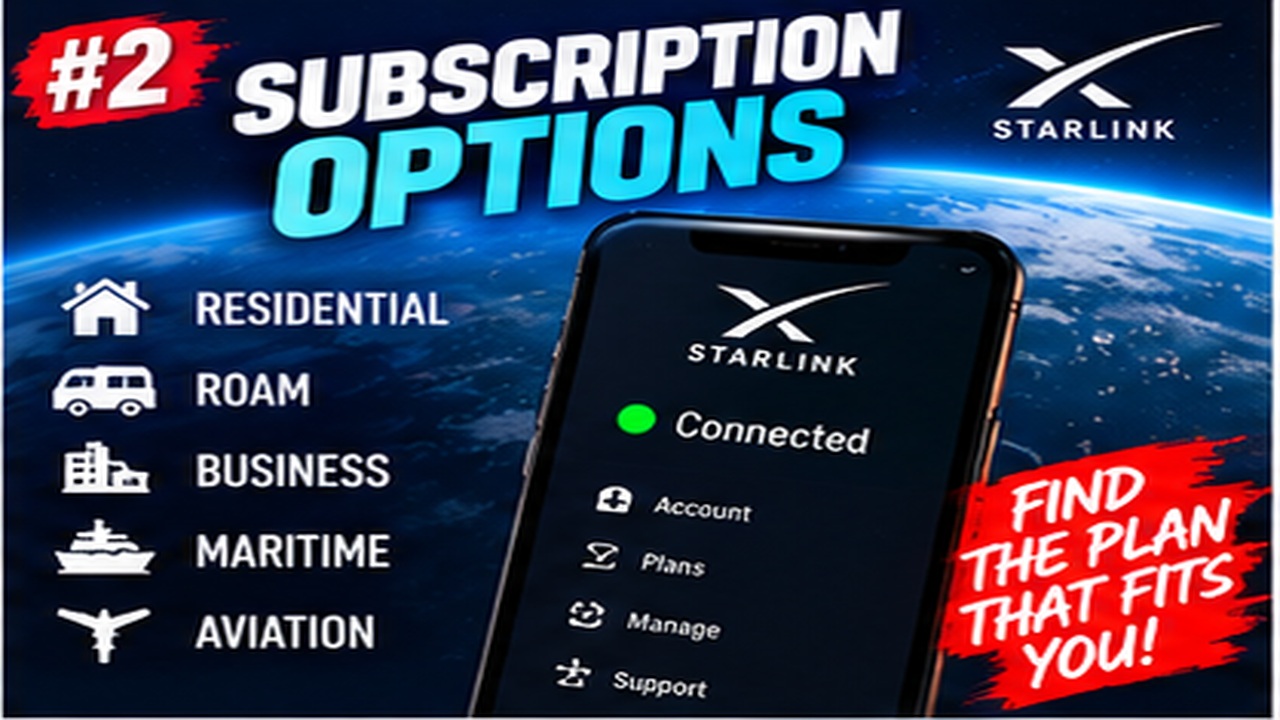
Clear explanations of Starlink Residential, Roam, Mobile and other subscription choices.

More from Subscription Options

View playlist

Starlink Plan Changes Explained: Save Money, Maximize Data & Live Demo

Philing In The Blanks explains Starlink plan changes with a live demonstration focused on saving money and managing data. Starlink Tips practical notes: Use the plan-change demonstration to understand the comparison process, then read the live options in your own account. Record the current service, proposed charge, effective date, data allowance and any consequences for returning to the old plan. Prices and eligibility shown in a video may differ by country and date. The related billing and plan questions help separate a hardware promotion, an active subscription, a future credit and an ordinary account payment. For further reading, open the related Q&As below; each links to a fuller guide. Get One Month of Starlink Free: use the “Claim Your Free Month” referral button beneath the player. Order through my referral link and activate your service. Your second month of Starlink service will be free.

Philing In The Blanks
Visit Philing In The Blanks →

Starlink Plan Changes Explained: Save Money, Maximize Data & Live Demo

Philing In The Blanks explains Starlink plan changes with a live demonstration focused on saving money and managing data. Starlink Tips practical notes: Use the plan-change demonstration to understand the comparison process, then read the live options in your own account. Record the current service, proposed charge, effective date, data allowance and any consequences for returning to the old plan. Prices and eligibility shown in a video may differ by country and date. The related billing and plan questions help separate a hardware promotion, an active subscription, a future credit and an ordinary account payment. For further reading, open the related Q&As below; each links to a fuller guide. Get One Month of Starlink Free: use the “Claim Your Free Month” referral button beneath the player. Order through my referral link and activate your service. Your second month of Starlink service will be free.
Philing In The Blanks
Visit Philing In The Blanks →

Questions & answers

Questions about this video

Straight answers to the questions readers ask most often.

How do I avoid unexpected Starlink data top-up charges?

Check the data settings for the correct service line before enabling an extra-data option. Starlink's current Priority plan description says an opted-in top-up setting can continue into later billing cycles until you opt out.

Before confirming, record:

  • The data type and amount being purchased.
  • The price per block or unit.
  • Whether the option repeats automatically.
  • When the charge will appear.
  • What service remains if the included allowance runs out without a top-up.

If you do not want automatic purchases, use the available account control to disable them and check that the saved setting reflects your choice. This does not reverse data charges already incurred.

Monitor the billing-cycle dates as well as the usage total. Keep a screenshot of the setting and compare the next bill. An alert is useful information, but it is not a reliable spending cap. Ask official support if the control is missing or its effect is unclear.

Read our related guide: How to Check Starlink Data Usage and Avoid Surprise Top-Up Charges.

Related official guidance: Starlink service-plan descriptions.

Reviewed: 23 September 2026. Plan and hardware details should be checked for your country and equipment.

Get One Month of Starlink Free

Claim Your Free Month

Order through my referral link and activate your service. Your second month of Starlink service will be free.

Open and share this answer
What should I check before changing my Starlink plan?

Read the change summary before confirming a new plan. A lower monthly figure is only one part of the decision; the new offer must still permit the location and type of use you need.

Save the current plan details, then compare:

  • New recurring price and any immediate charge.
  • Effective date and treatment of the current billing period.
  • Speed or data differences.
  • Travel, in-motion and business-use permissions.
  • Hardware eligibility.
  • Promotion or bundle consequences.
  • Whether returning to the old plan is offered or guaranteed.

The current service descriptions allow applicable charges when changing plans during a billing cycle. Use the amount and timing displayed for your own change instead of assuming every upgrade or downgrade follows the same billing rule.

Schedule the change away from essential work, retain the confirmation and inspect the next invoice. If a consequence is unclear, obtain clarification before cancelling a working service and trying to recreate it under another offer.

Read our related guide: Starlink Plan Changes: What to Check Before You Switch.

Related official guidance: Starlink service-plan descriptions.

Reviewed: 23 September 2026. Plan and hardware details should be checked for your country and equipment.

Get One Month of Starlink Free

Claim Your Free Month

Order through my referral link and activate your service. Your second month of Starlink service will be free.

Open and share this answer
How do I check a Starlink bill that is higher than expected?

Compare the invoice line by line with your previous bill and the order or plan-change confirmation. The total alone does not show why the amount changed.

Check:

  • The service period covered.
  • Which service lines or kits are billed.
  • Any plan change or partial-period adjustment.
  • Additional data or optional services.
  • Credits, discounts and their end dates.
  • Delivery, equipment or other separately identified charges.
  • Tax or currency differences shown on the invoice.

Do not confuse a pending bank authorisation with a second settled payment. Compare the bank's transaction status with the account's payment history.

If a line remains unexplained, contact Starlink through the account with the invoice date, line-item description and the amount you expected. Attach the relevant confirmation after removing unrelated private information.

Our recommendation is to resolve the specific discrepancy rather than changing several settings or cancelling in frustration. Keep the support response and check the following invoice to confirm that any agreed correction was applied.

Read our related guide: Starlink Payment Failed? How to Fix Billing and Avoid Service Interruption.

Related official guidance: Starlink Help Center.

Reviewed: 23 September 2026. Plan and hardware details should be checked for your country and equipment.

Get One Month of Starlink Free

Claim Your Free Month

Order through my referral link and activate your service. Your second month of Starlink service will be free.

Open and share this answer
When does Starlink start charging after my kit is delivered?

For direct orders, do not assume charges wait until you finish installing the kit. Starlink's current billing guidance says the cycle begins when you activate, with automatic activation if you have not activated within seven days of delivery.

Check the billing date in your own account and the terms supplied with the order, especially for a promotion or different purchasing route. Installation delays and a kit left in its box do not automatically suspend the subscription.

Our practical recommendation is to arrange installation around delivery, then record the activation date, service period and first invoice. If the equipment is missing or damaged, contact support promptly with the order details instead of simply leaving it unconnected. Check any confirmed adjustment in Billing. Avoid budgeting on the assumption that the first payment always falls on the first day of a calendar month.

Next useful answers

Related guides

Related video

Starlink Plan Changes Explained: Save Money, Maximize Data & Live Demo

This related demonstration may show older hardware or plan details; use the official guidance below for current requirements.

Sources

Reviewed: 26 September 2026. Practical checklists are our editorial recommendations; plan availability and hardware requirements vary by country and model.

Get One Month of Starlink Free

Claim Your Free Month

Order through my referral link and activate your service. Your second month of Starlink service will be free.

Starlink Tips is independent and may receive a referral reward. See the offer shown by Starlink when ordering.

Open and share this answer
Does a free or discounted Starlink kit come with a commitment?

It can. A discounted hardware offer and an ordinary month-to-month subscription are not necessarily the same arrangement. Check the confirmation for the offer you accepted rather than relying on a general claim that Starlink has no commitment.

Starlink's guidance for its older 12-month Residential offer describes conditions and possible change fees. That guidance also says the offer is no longer available for new activations; it still matters to customers whose existing order used it.

Our comparison checklist is to identify the commitment period, when you own the kit, what happens on cancellation, and whether moving address, changing plan or transferring hardware triggers a charge. Check the actual country-specific terms.

Before acting, ask support to explain any unclear consequence in writing. Do not assume a promotion described in an old video is available today, or that removing a payment method ends your obligations.

Next useful answers

Related guides

Related video

Starlink Plan Changes Explained: Save Money, Maximize Data & Live Demo

This related demonstration may show older hardware or plan details; use the official guidance below for current requirements.

Sources

Reviewed: 26 September 2026. Practical checklists are our editorial recommendations; plan availability and hardware requirements vary by country and model.

Get One Month of Starlink Free

Claim Your Free Month

Order through my referral link and activate your service. Your second month of Starlink service will be free.

Starlink Tips is independent and may receive a referral reward. See the offer shown by Starlink when ordering.

Open and share this answer
Browse all questions