Starlink Hardware & Accessories
Curated Starlink content โ setup guides, speed tests, and real-world reviews.
How To Setup Your Own SpaceX Starlink Link Router Alternative
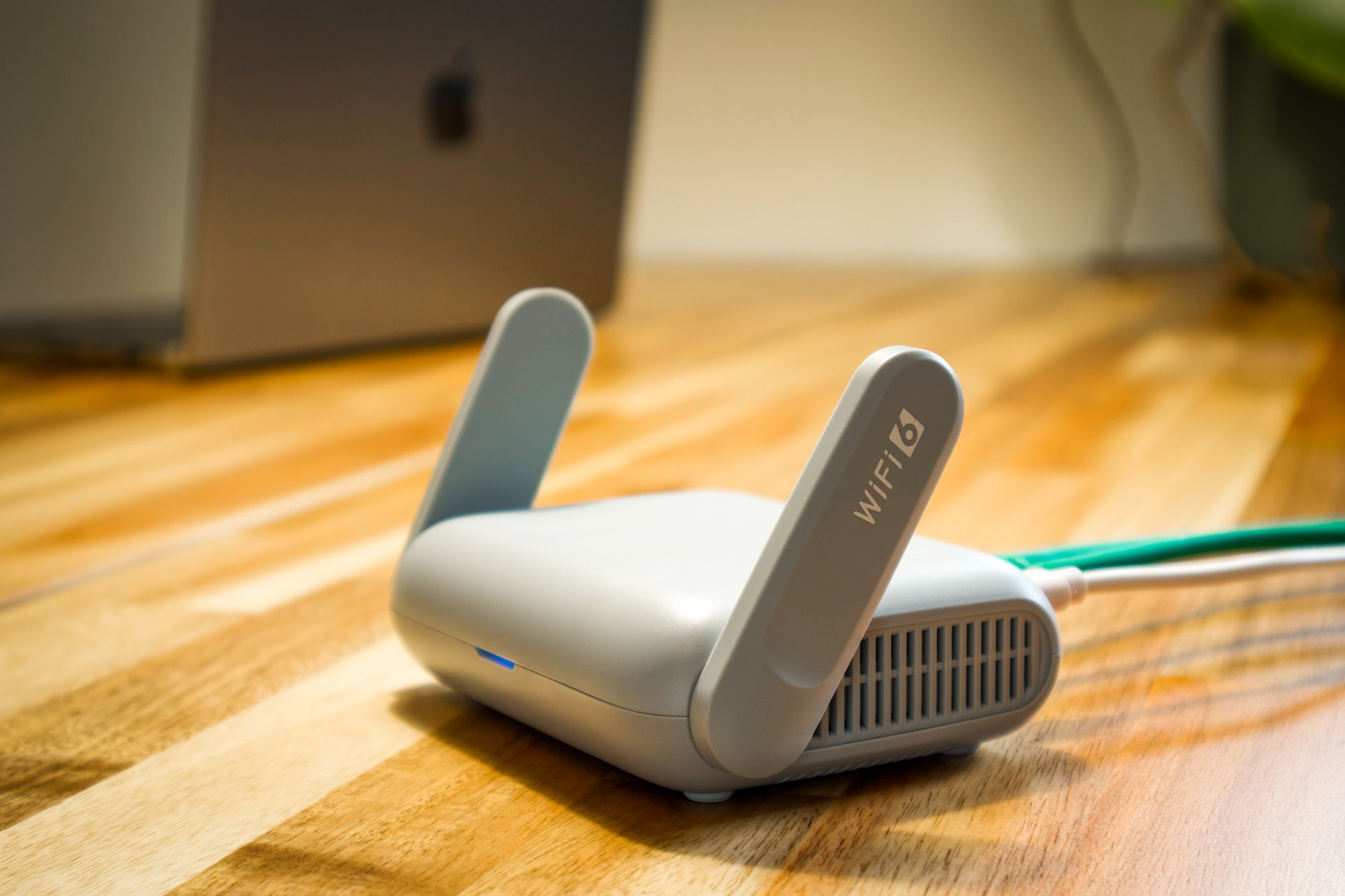
Due to popular demand, today I show you how to use your own router with SpaceX Starlink internet service. From improved Wifi Speeds using your own WiFi 6 (AX) router, VPN services, static IP for video cameras, and a plethora of added benefits are all achieved by switching from the standard Starlink Router. Finally, both Starlink Gen 1 and Starlink Gen 2 customers can use their own networking equipment. Essentially placing the SpaceX Starlink Router into Bridge Mode and taking it out of the loop. For more Starlink coverage subscribe and watch my entire PlayList at: https://youtube.com/playlist?list=PLUrdf7hvHC2KXLQg3HIi8keQOIdxcheS7 Here's the product list: - tp-link AC Router - https://amzn.to/3so07J1 - tp-link AX Router - https://amzn.to/3sf2or8 - tp-link Managed Switch: https://amzn.to/3EQJKZy - tp-link Unmanaged Switch: https://amzn.to/3FVbaih - tp-link Outdoor Access Point - https://amzn.to/3uqDYfP - tp-link Indoor Access Point - https://amzn.to/3rV6Nzk - tp-link Control Module (100Mbps) - https://amzn.to/3Lduaf3 - tp-link Control Module (Gigabit) - https://amzn.to/3rVBqEx ๐ I would love to hear your thoughts in the comment area below! If you would like to get a FREE copy of the Prologue to "How To Create A Digital Fort Knox - Backing Up Your Digital Life" or one of my other FREE books, simply visit https://jcristina.com/books Consider subscribing to the channel, commenting below, and signing up for my newsletter at https://jcristina.com/join Interested in any products that I personally use? Visit https://www.amazon.com/shop/jcristina or go to the bottom of this description for direct links. [ Channel Membership ] YouTube has recently made Memberships available to this channel. The great thing about this is that I can now provide perks for becoming a channel member as a way of giving back and saying thank you! Simply click the JOIN button under any of my hundreds of videos. If you enjoy my content and are thinking about contributing to the channel by becoming a member, I thank you in advance for your generosity. Rest assured, I will continue to make quality unbiased content and build this amazing community of fellow creatives. For business relations please contact me at https://jcristina.com/contact Follow me on Instagram @josephcristina for extra behind-the-scenes content and if you found value in this video, please take a moment to Thumbs-Up, Subscribe, Turn-On Notifications, and most importantly Tell A Friend about the channel. If you haven't, download my ๐ FREE ebook over at https://jcristina.com/ebook please check it out. There is something there for Amateur right up to professional photographers. Join our Creative Discord community at ๐ฐ https://community.jcristina.com Subscribe and use promo code YT20 at checkout and receive ๐ฆ 20% off everything in your cart at https://jcristina.com [ Media Contact Business Relations ] ๐ง eMail - https://jcristina.com/contact [ Free Giveaways & Promos ] ๐ฆ 20% Off everything https://jcristina.com - Subscribe & use Promo Code YT20 ๐ FREE eBook https://jcristina.com/ebook - 10 Tips To Making Tack Sharp Images [ Tea I Drink ] ๐ Dark MoonTeas http://DarkMoonTeas.com [ Social Media & Additional Conections ] ๐ฌ YouTube - https://youtube.com/jcristina ๐ Twitter - http://twitter.com/JosephCristina ๐ Instagram - http://instagram.com/JosephCristina ๐จโ๐ผ LinkedIn - https://www.linkedin.com/in/josephcristina ๐ Facebook - https://www.facebook.com/joseph.cristina ๐ฐ Creative Discord Server - https://community.jcristina.com [ Equipment Used ] ๐ MB ] ASUS - PRIME X370-PRO ATX AM4 Motherboard - http://amzn.to/2rmR9LT ๐ CPU ] AMD - Ryzen 7 1700 3.0GHz 8-Core Processor - http://amzn.to/2pSCx4S ๐ COOLER ] Corsair Hydro H115i Extreme Liquid CPU Cooler - http://amzn.to/2rfEpJ2 ๐ GPU ] MSI - GeForce GTX 1070 8GB Video Card - http://amzn.to/2rndQ2o ๐ RAM ] Corsair - Vengeance LPX 32GB (2 x 16GB) DDR4-3000 - http://amzn.to/2qo8PIv ๐ SSD ] Samsung - 850 EVO-Series 500GB 2.5" SSD - http://amzn.to/2rmXqH8 ๐ DISPLAY ] Dell - UltraSharp 34โ Curved Monitor - U3415W - http://amzn.to/2s6pvTs ๐ MOUSE ] Logitech - G Pro Gaming Mouse - http://amzn.to/2r48US4 ๐ก Video Lighting - http://amzn.to/2qrDOnH ๐ฌ Sony ZV-1 - https://amzn.to/3rFkfFj ๐ฌ Canon EOS 80D with EF-S 18-55mm - http://amzn.to/2p515qI ๐ฌ Logitech C910 - https://amzn.to/3pyJK9p ๐๏ธ Rode Shotgun - https://amzn.to/372oYZw ๐๏ธ Tascam Mic w/Recorder - https://amzn.to/39Xb50C ๐๏ธ Electro-Voice RE-20 - https://amzn.to/37SoBQt ๐๏ธ Zoom H4n Recorder - https://amzn.to/3oyF2bh ๐๏ธ dbx 286s Compressor - https://amzn.to/39SLTYY The above are my Amazon affiliate links - if you purchase anything using the links above, you're supporting this channel at no additional cost to you! Thank You for your support!
How To Setup Your Own SpaceX Starlink Link Router Alternative
Due to popular demand, today I show you how to use your own router with SpaceX Starlink internet service. From improved Wifi Speeds using your own WiFi 6 (AX) router, VPN services, static IP for video cameras, and a plethora of added benefits are all achieved by switching from the standard Starlink Router. Finally, both Starlink Gen 1 and Starlink Gen 2 customers can use their own networking equipment. Essentially placing the SpaceX Starlink Router into Bridge Mode and taking it out of the loop. For more Starlink coverage subscribe and watch my entire PlayList at: https://youtube.com/playlist?list=PLUrdf7hvHC2KXLQg3HIi8keQOIdxcheS7 Here's the product list: - tp-link AC Router - https://amzn.to/3so07J1 - tp-link AX Router - https://amzn.to/3sf2or8 - tp-link Managed Switch: https://amzn.to/3EQJKZy - tp-link Unmanaged Switch: https://amzn.to/3FVbaih - tp-link Outdoor Access Point - https://amzn.to/3uqDYfP - tp-link Indoor Access Point - https://amzn.to/3rV6Nzk - tp-link Control Module (100Mbps) - https://amzn.to/3Lduaf3 - tp-link Control Module (Gigabit) - https://amzn.to/3rVBqEx ๐ I would love to hear your thoughts in the comment area below! If you would like to get a FREE copy of the Prologue to "How To Create A Digital Fort Knox - Backing Up Your Digital Life" or one of my other FREE books, simply visit https://jcristina.com/books Consider subscribing to the channel, commenting below, and signing up for my newsletter at https://jcristina.com/join Interested in any products that I personally use? Visit https://www.amazon.com/shop/jcristina or go to the bottom of this description for direct links. [ Channel Membership ] YouTube has recently made Memberships available to this channel. The great thing about this is that I can now provide perks for becoming a channel member as a way of giving back and saying thank you! Simply click the JOIN button under any of my hundreds of videos. If you enjoy my content and are thinking about contributing to the channel by becoming a member, I thank you in advance for your generosity. Rest assured, I will continue to make quality unbiased content and build this amazing community of fellow creatives. For business relations please contact me at https://jcristina.com/contact Follow me on Instagram @josephcristina for extra behind-the-scenes content and if you found value in this video, please take a moment to Thumbs-Up, Subscribe, Turn-On Notifications, and most importantly Tell A Friend about the channel. If you haven't, download my ๐ FREE ebook over at https://jcristina.com/ebook please check it out. There is something there for Amateur right up to professional photographers. Join our Creative Discord community at ๐ฐ https://community.jcristina.com Subscribe and use promo code YT20 at checkout and receive ๐ฆ 20% off everything in your cart at https://jcristina.com [ Media Contact Business Relations ] ๐ง eMail - https://jcristina.com/contact [ Free Giveaways & Promos ] ๐ฆ 20% Off everything https://jcristina.com - Subscribe & use Promo Code YT20 ๐ FREE eBook https://jcristina.com/ebook - 10 Tips To Making Tack Sharp Images [ Tea I Drink ] ๐ Dark MoonTeas http://DarkMoonTeas.com [ Social Media & Additional Conections ] ๐ฌ YouTube - https://youtube.com/jcristina ๐ Twitter - http://twitter.com/JosephCristina ๐ Instagram - http://instagram.com/JosephCristina ๐จโ๐ผ LinkedIn - https://www.linkedin.com/in/josephcristina ๐ Facebook - https://www.facebook.com/joseph.cristina ๐ฐ Creative Discord Server - https://community.jcristina.com [ Equipment Used ] ๐ MB ] ASUS - PRIME X370-PRO ATX AM4 Motherboard - http://amzn.to/2rmR9LT ๐ CPU ] AMD - Ryzen 7 1700 3.0GHz 8-Core Processor - http://amzn.to/2pSCx4S ๐ COOLER ] Corsair Hydro H115i Extreme Liquid CPU Cooler - http://amzn.to/2rfEpJ2 ๐ GPU ] MSI - GeForce GTX 1070 8GB Video Card - http://amzn.to/2rndQ2o ๐ RAM ] Corsair - Vengeance LPX 32GB (2 x 16GB) DDR4-3000 - http://amzn.to/2qo8PIv ๐ SSD ] Samsung - 850 EVO-Series 500GB 2.5" SSD - http://amzn.to/2rmXqH8 ๐ DISPLAY ] Dell - UltraSharp 34โ Curved Monitor - U3415W - http://amzn.to/2s6pvTs ๐ MOUSE ] Logitech - G Pro Gaming Mouse - http://amzn.to/2r48US4 ๐ก Video Lighting - http://amzn.to/2qrDOnH ๐ฌ Sony ZV-1 - https://amzn.to/3rFkfFj ๐ฌ Canon EOS 80D with EF-S 18-55mm - http://amzn.to/2p515qI ๐ฌ Logitech C910 - https://amzn.to/3pyJK9p ๐๏ธ Rode Shotgun - https://amzn.to/372oYZw ๐๏ธ Tascam Mic w/Recorder - https://amzn.to/39Xb50C ๐๏ธ Electro-Voice RE-20 - https://amzn.to/37SoBQt ๐๏ธ Zoom H4n Recorder - https://amzn.to/3oyF2bh ๐๏ธ dbx 286s Compressor - https://amzn.to/39SLTYY The above are my Amazon affiliate links - if you purchase anything using the links above, you're supporting this channel at no additional cost to you! Thank You for your support!