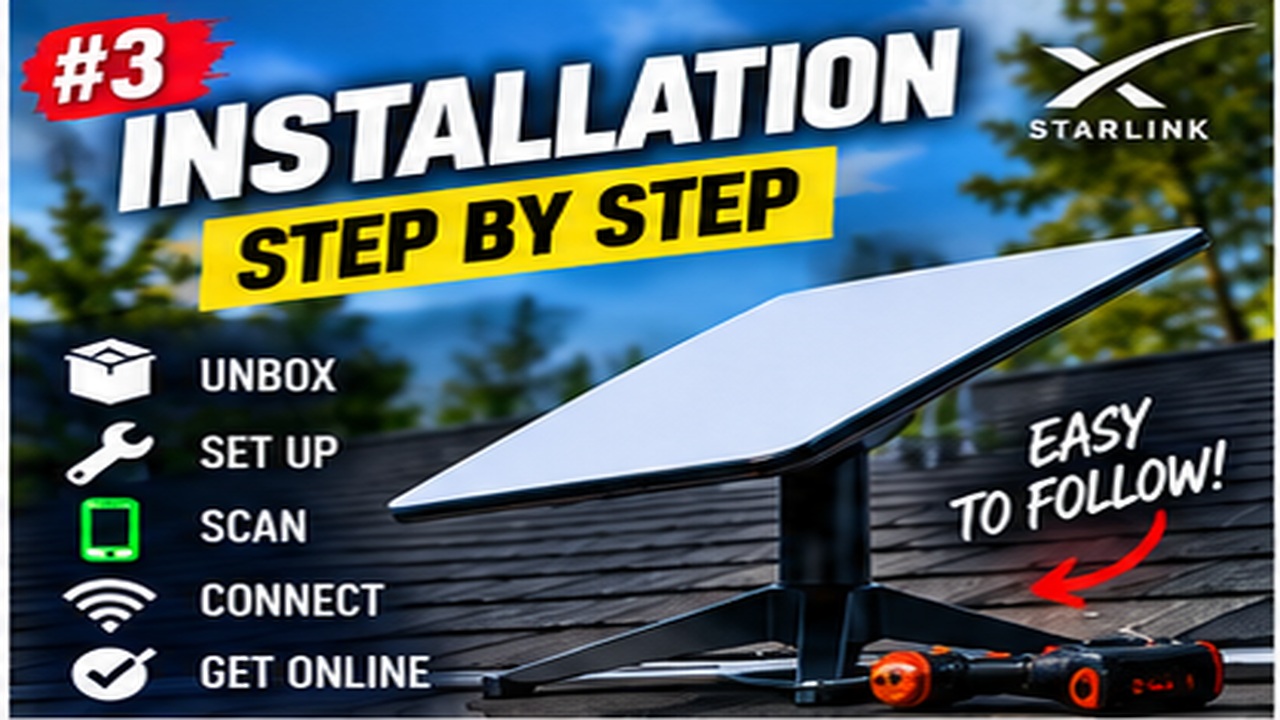
How long should I test Starlink before fixing the mount permanently?
Use the temporary setup long enough to test the activities and conditions that matter to you. One successful speed test is insufficient evidence that a location will remain suitable through a working day.
Our practical approach is to test a normal video call, a sustained upload and your busiest household period, then repeat at another time. Check the app's obstruction information after it has had time to gather data. Record interruptions as well as speeds.
Keep the dish secure, follow its alignment instructions and protect the temporary cable route. Test close to the router first so poor indoor Wi-Fi does not disguise a dish-location problem.
Before drilling, lay out the intended cable path and confirm it reaches with suitable slack. If the dish will move to a different height or position for the final installation, that final location needs its own sky-view check. A ground-level test cannot validate a roof position automatically.
Related guide
How to Test Starlink Before Permanent Installation
Reference
Official Starlink Standard 4 X installation guidance (model-specific). Equipment features and procedures vary; use the instructions for your exact model.
Reviewed 25 October 2026. Practical checklists are Starlink Tips editorial guidance, not claims of hands-on testing.
Get One Month of Starlink Free
Eligible new customers can receive a service credit for their second month when ordering through this referral link. Check the current offer and eligibility at Starlink checkout. Starlink Tips may receive a referral reward.