Get One Month of Starlink FreeSPECIAL OFFER: GET A FREE MONTH OF STARLINK >
3

Installation

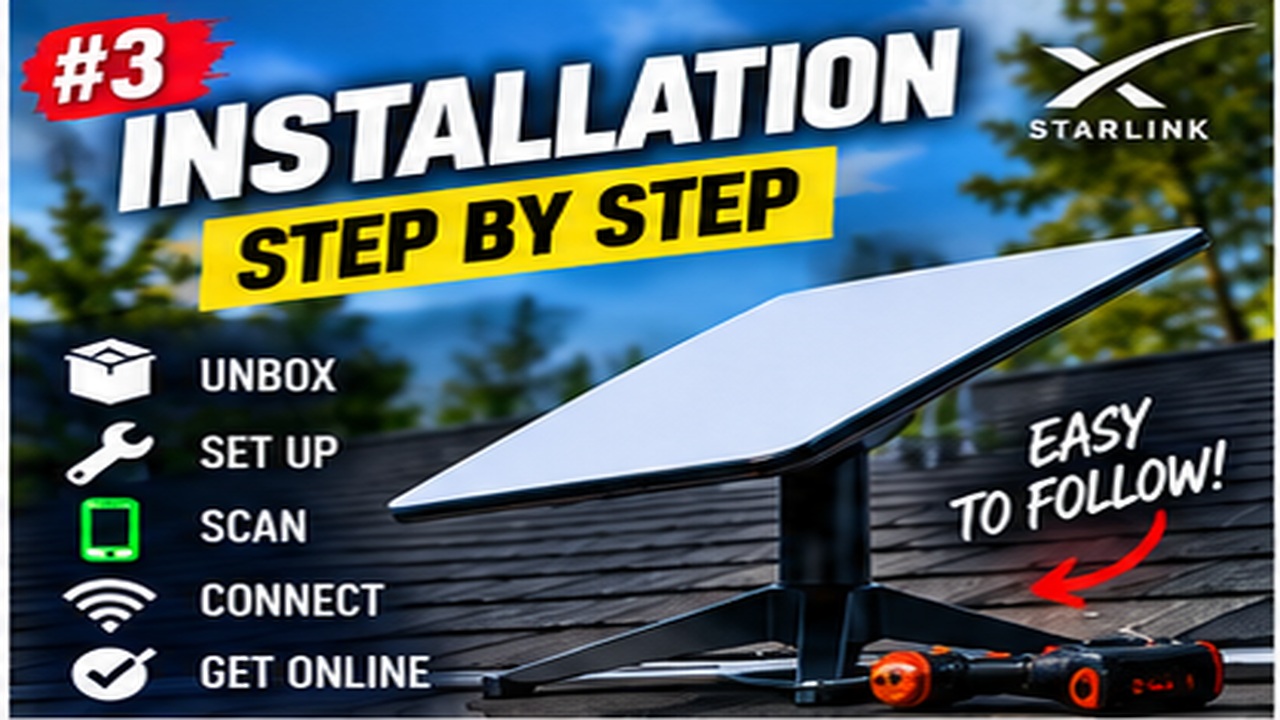
Step-by-step Starlink installation videos covering placement, mounting, cabling and activation.

More from Installation

View playlist

Starlink Alignment Simple Steps for Optimal Performance

Follow this practical Starlink guide to Starlink Alignment Simple Steps for Optimal Performance, covering the key installation or setup steps for a secure and reliable connection. Starlink Tips related reading Related answer: Which direction should my Starlink dish face? — Which Direction Starlink Dish Face Related guide: Starlink Obstructions: How to Find a Clear Dish Location — Understanding Starlink Obstructions How To Find The Perfect Spot For Your Dish Get One Month of Starlink Free Claim Your Free Month: Starlink Order through my referral link and activate your service. Your second month of Starlink service will be free. Starlink Tips may receive a referral reward. Check the offer shown by Starlink for your order.

Starlink Alignment Simple Steps for Optimal Performance

Follow this practical Starlink guide to Starlink Alignment Simple Steps for Optimal Performance, covering the key installation or setup steps for a secure and reliable connection. Starlink Tips related reading Related answer: Which direction should my Starlink dish face? — Which Direction Starlink Dish Face Related guide: Starlink Obstructions: How to Find a Clear Dish Location — Understanding Starlink Obstructions How To Find The Perfect Spot For Your Dish Get One Month of Starlink Free Claim Your Free Month: Starlink Order through my referral link and activate your service. Your second month of Starlink service will be free. Starlink Tips may receive a referral reward. Check the offer shown by Starlink for your order.

Questions & answers

Questions about this video

Straight answers to the questions readers ask most often.

Which direction should my Starlink dish face?

Follow the alignment process for your own Starlink model instead of assuming that every dish should point in the same compass direction.

The Standard 4 X setup guide uses app-assisted manual alignment: after connection, an app alert indicates when rotation is needed and opens the alignment tool. Other generations have different mechanisms, so identify your hardware first.

A useful setup sequence is:

  1. Choose a position with a suitable sky view.
  2. Assemble the approved stand or mount as instructed.
  3. Connect the correct cables and power equipment.
  4. Follow the app's alignment prompt where offered.
  5. Recheck the installation after securing the final mount.

Alignment and obstruction checks solve different problems. Correct orientation will not remove a nearby roof or tree from the required view.

Do not force a motorised dish by hand or change its angle repeatedly to chase one speed-test result. If the only position you can reach requires unsafe access, ask an installer to carry out the adjustment.

Read our related guide: What to Tell a Starlink Installer Before They Arrive.

Related official guidance: Starlink Standard setup guide.

Reviewed: 23 September 2026. Plan and hardware details should be checked for your country and equipment.

Get One Month of Starlink Free

Claim Your Free Month

Order through my referral link and activate your service. Your second month of Starlink service will be free.

Open and share this answer
Browse all questions