Restore Starlink Local Diagnostics Behind a pfSense Router
Troubleshooting & Fixes
Working internet behind a firewall does not guarantee that a local terminal-management destination is reachable. Diagnose the route instead of exposing the interface to the internet.
Work through the setup
Step 1
Identify the diagnostic destination and current Starlink hardware. Verify its documented local-access method before copying an old example address.
Step 2
Confirm that the client can reach pfSense and that ordinary internet works. Record LAN and WAN subnet ranges for possible overlap.
Step 3
Inspect the firewall's routing table and existing policy-routing rules. Determine where traffic for the local management destination would actually go.
Step 4
Use Netgate's current static-route documentation if a route is needed for your topology. Keep the destination scope as narrow as practical.
Step 5
Check the relevant firewall permission and return path. Do not add broad allow rules or disable state tracking to hide an unexplained routing issue.
Step 6
Test locally, then after a WAN reconnect. Save the working configuration and remove temporary diagnostic exceptions.
Worked example
Suppose internet works through pfSense but the app cannot reach a local diagnostic destination. Identify where that traffic is routed and whether a more-specific route is necessary in this topology. Do not copy a stranger's gateway address. Keep a configuration backup and test the return path as well as the outbound permission before leaving the change enabled.
Interpret the result
- Destination route is wrong: Define the correct narrow path.
- Route is correct but access fails: Review permission and return traffic.
- Target behaviour differs by hardware: Verify current model guidance first.
Checks and limitations
The required route depends on your kit, interface and addressing. This guide deliberately does not prescribe one universal gateway. If you cannot identify the correct next hop, stop before applying a remote change.
Sources and review
Official documentation for this guide
Reviewed: 11 November 2026. The practical sequence and worked example are Starlink Tips editorial guidance. Check current instructions for your hardware, software and country.
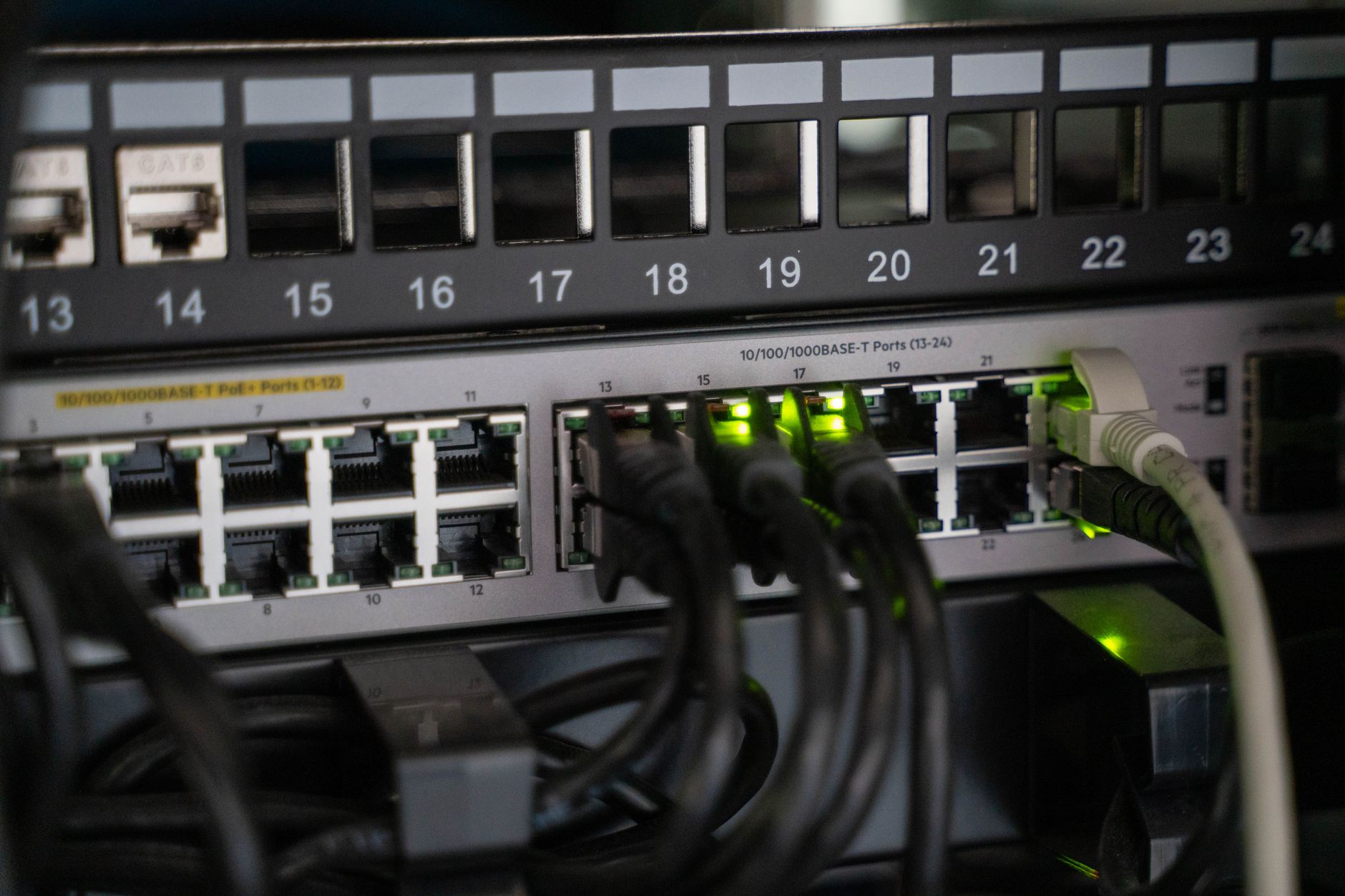
Illustrative photograph: Networking equipment with connected cables, showcasing modern technology infrastructure. Credit: Vladimir Srajber.