Motors Stuck on an actuated Starlink dish
Troubleshooting & Fixes
A Motors Stuck alert belongs to the mechanically actuated Starlink hardware family. First identify your dish: a manually aligned flat dish or Mini should not be diagnosed using an actuated-dish repair procedure.
Check without touching the mechanism
From a safe position on the ground, look for an obvious obstruction around the dish's movement area. A wall, roof edge, cable or mounting arrangement may prevent an actuated dish reaching its required angle. Starlink's actuated mounting documentation specifically identifies mounting position as a possible cause of the alert.
Record when the alert appeared: immediately after installation, after moving the dish, following bad weather, or with no obvious change. Take a photograph only where it is safe. Do not climb onto a roof to make the diagnosis.
Preserve evidence before troubleshooting
Capture the alert in the app, the hardware identity and the connection symptoms. An alert with working internet is still worth reporting; a connection failure needs the same careful record. Avoid repeated factory resets, which erase local configuration without demonstrating that the mounting problem has been solved.
If current official support instructions for your exact model call for an app-controlled action, follow those instructions with the movement area clear. Stop if the mechanism cannot move normally. This guide does not prescribe a universal stow-and-unstow sequence for every generation.
When to call the installer or Starlink
If the mount restricts movement, ask the installer to reassess clearance against the appropriate installation guide. If there is no visible obstruction, the alert persists or there is damage, send Starlink support the screenshots, photographs and timing record.
Never force the dish by hand, open the motor assembly, disconnect its motors or attach extra weight to defeat the alert. Do not scrape or lever ice from the mechanism. A mechanically modified terminal is not a verified repair.
The related Starlink app video is a navigation aid, not a motor repair demonstration. Use your model's official mounting document and support instructions for the next action.
Related question
What information should I include in a Starlink support request?
Sources and further reading
Topic inspiration: DISHYtech. This is an independently written Starlink Tips guide, not a reproduction or a claim of hands-on testing. Official instructions for your exact equipment take priority.
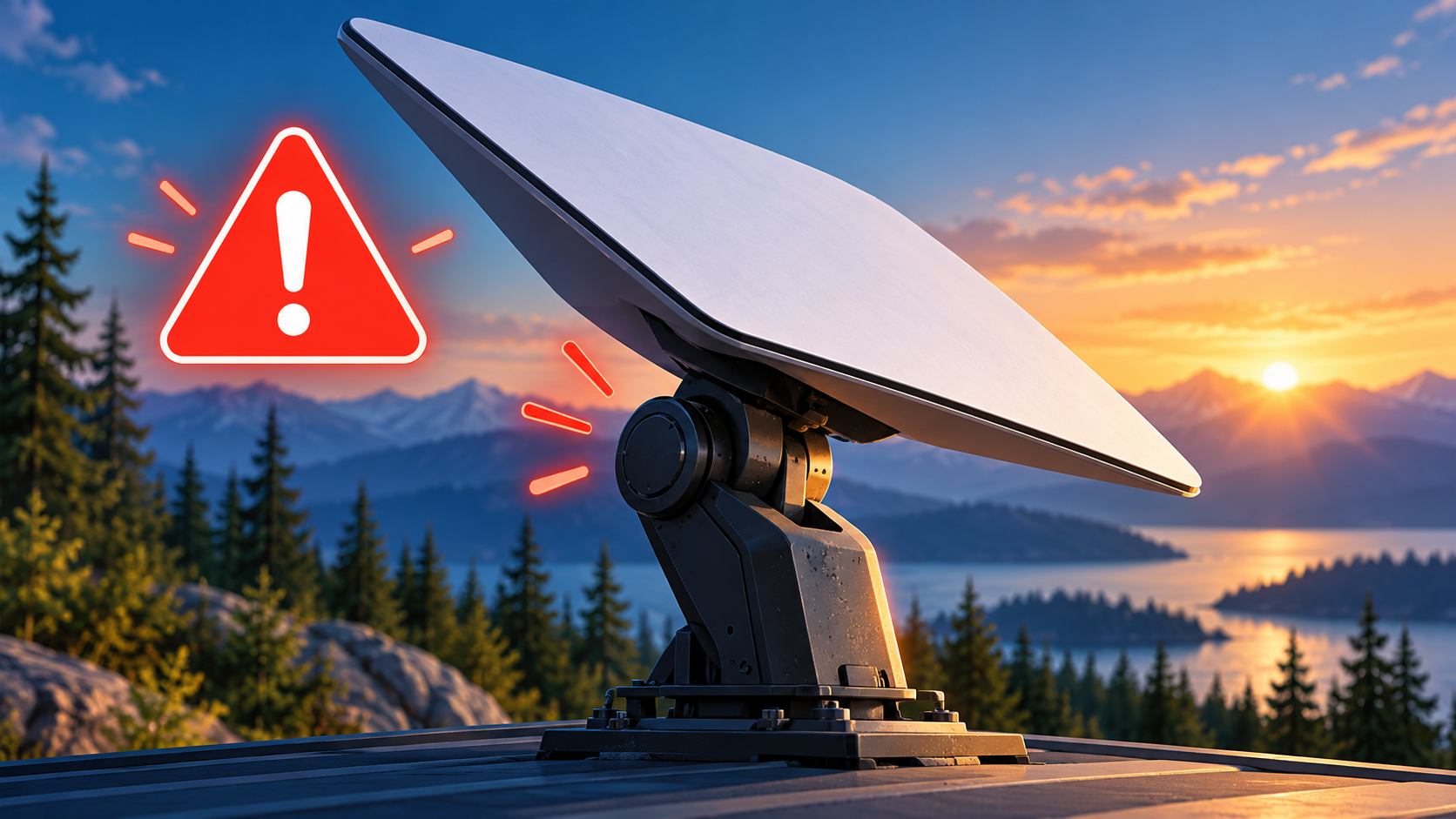
Thumbnail: original AI-generated conceptual illustration; not a fitting, wiring or measurement diagram. Reviewed 1 November 2026.