Watch local TV with Starlink: UK and US routes
Tips & Tricks
Starlink supplies an internet connection. Your choice of television service still determines which programmes, local news and live channels you can watch. Start with a list of must-have channels rather than buying another receiver straight away.
Choose the route for your television
UK aerial viewing: a compatible Freeview television or recorder receives broadcast channels through an aerial. The Starlink dish does not replace that aerial. Check reception for the property and have an aerial installer assess an unsuitable or damaged installation. Internet-connected players are a separate route: availability depends on the player, television model and viewing rights.
US antenna viewing: a compatible television tuner and suitable antenna may receive local over-the-air stations. Check reception for the actual address; a nearby household's results are not a guarantee. A streaming subscription is a different option, and its channel lineup can depend on your home and current viewing area.
Streaming in either country: check the broadcaster's official app, supported devices, sign-in requirements and local channel availability. Confirm any subscription or TV licensing requirements with the service itself before ordering. Do not assume every programme on a terrestrial channel is available online.
A useful ten-minute test
- Connect the television to your normal home Wi-Fi and open a service you already use.
- Test one live programme and one on-demand programme. Record any exact error message.
- If playback buffers, compare a second device near the router. That is a connection investigation.
- If playback is refused because of location, follow the service's area-verification process. A faster internet package will not necessarily fix it.
- Test the must-have local news programme before cancelling an existing TV service.
Keep an aerial as an independent option
Where reception is available, an aerial can provide a route that does not depend on the internet connection. The television and any powered equipment still need electricity. Keep the remote's input instructions somewhere obvious so another household member can switch between the tuner and streaming app.
The linked latency comparison video is background on connection performance; it is not a local-channel eligibility guide. Channel rights and device support must be checked with each broadcaster.
Related question
Can I use Netflix and my existing TV apps with Starlink?
Sources and further reading
Topic inspiration: Insider. This is an independently written Starlink Tips guide, not a reproduction or a claim of hands-on testing. Official instructions for your exact equipment take priority.
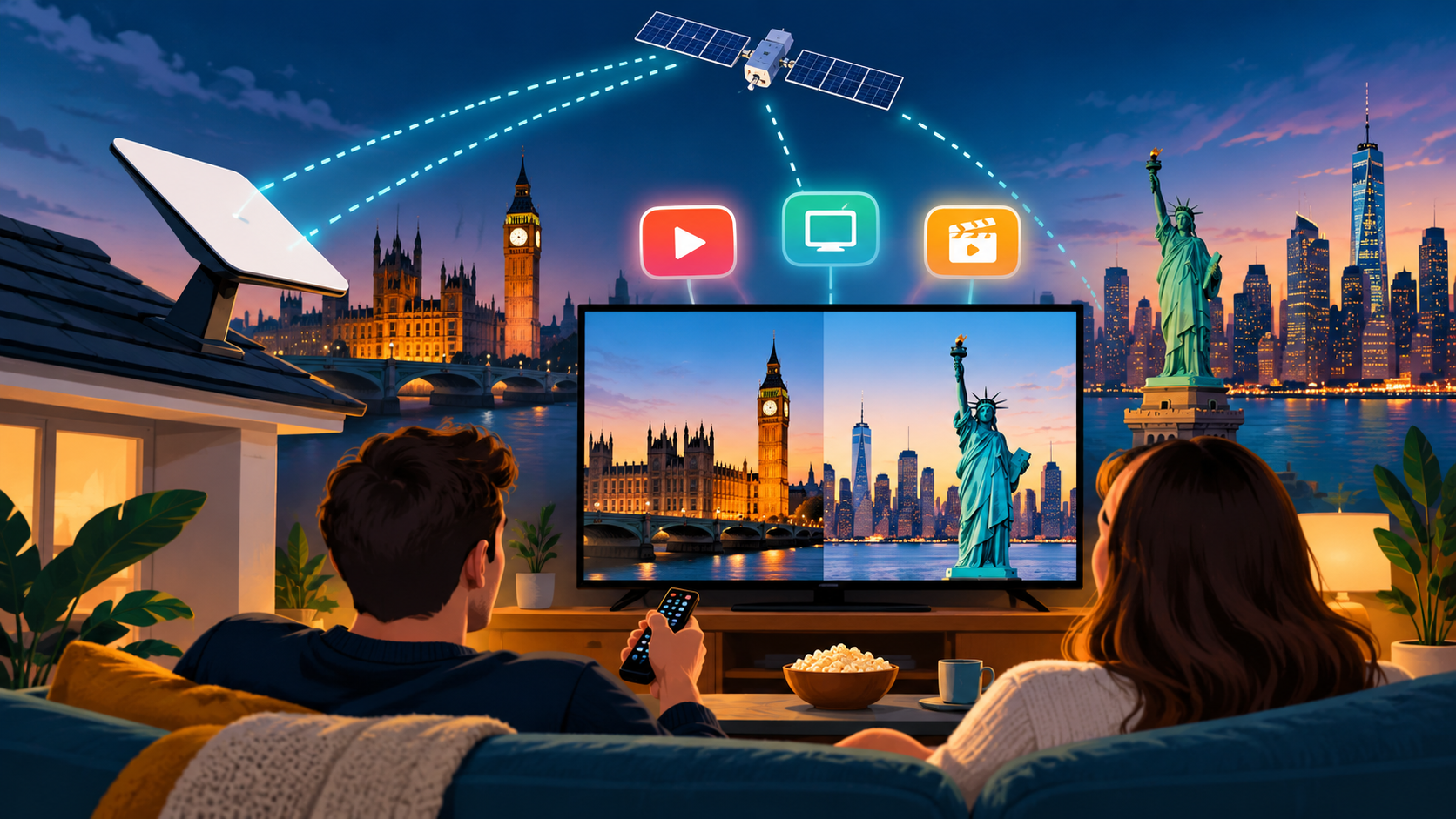
Thumbnail: original AI-generated conceptual illustration; not a fitting, wiring or measurement diagram. Reviewed 1 November 2026.