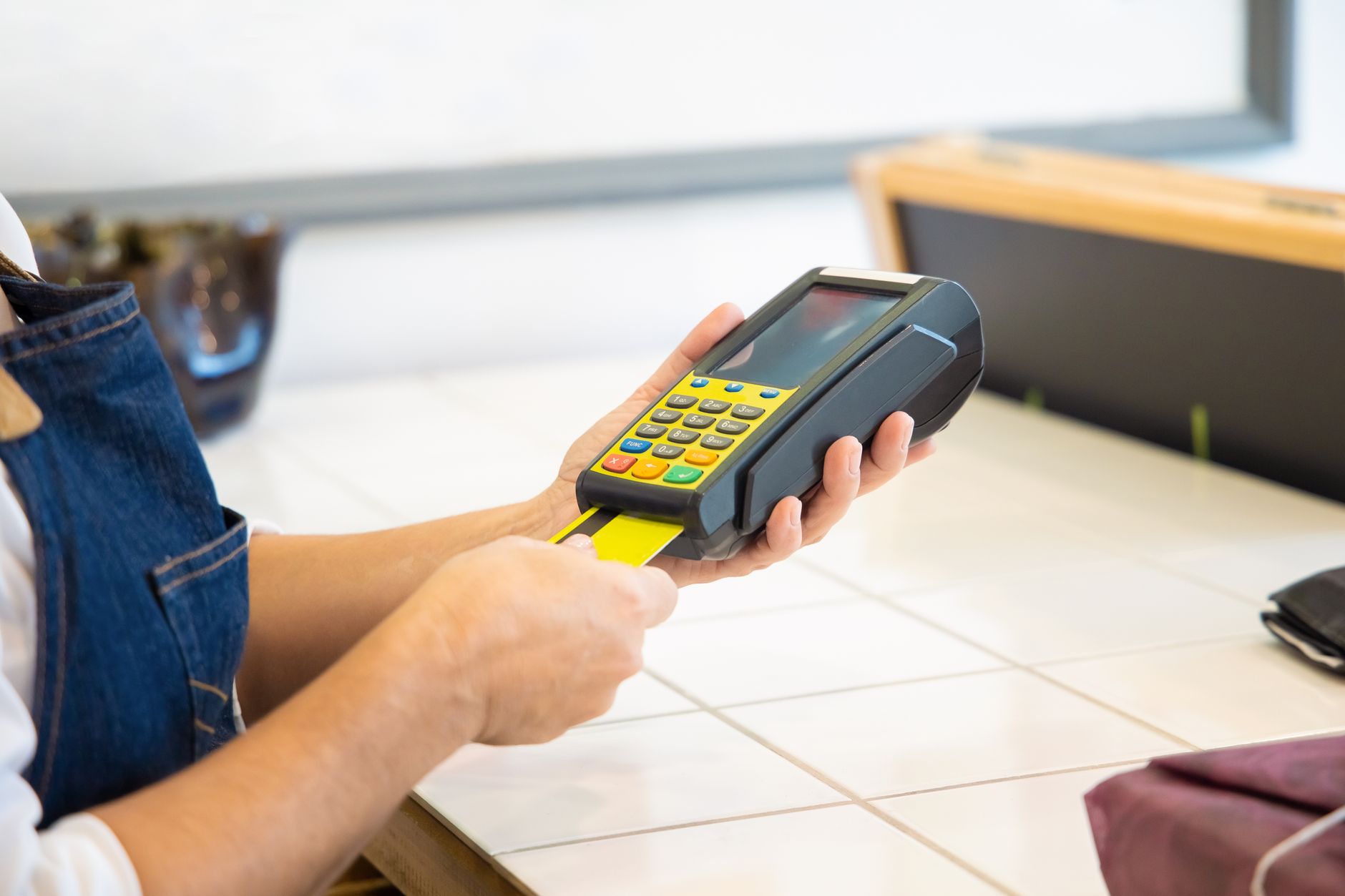
How to Use Starlink With a Card Reader: A Small POS Reliability Checklist
Tips & Tricks
Starlink can support a card reader or small point-of-sale system, but a fast speed test is only one part of a successful payment. The reader, payment provider, local Wi-Fi, power supply and any backup connection must work together.
This checklist is model-neutral. Payment terminals differ, and your provider's instructions always take priority.
Before you connect the reader
Write down the complete payment path:
- Reader connection: confirm whether the reader uses Wi-Fi, Ethernet, Bluetooth to a phone or tablet, or a mixture of these.
- Payment app: identify which phone, tablet or till runs the app and whether it needs to be on the same local network as the reader.
- Provider requirements: check the provider's supported network, country and device requirements. Do not assume that a reader that works on a phone hotspot will behave the same way on every router.
- Fallback plan: decide what you will use if Starlink or the local power fails. A phone hotspot or cellular router is useful only if you test it with the actual reader and payment app.
You do not normally need inbound access to accept a payment. Avoid opening ports or exposing a reader to the internet. If your payment provider has a specific public-IP requirement, follow its support guidance rather than guessing at a router setting.
Build a clean local network
- Put the reader and the payment device on a reliable private network. Use a wired connection when the equipment supports it and the cable route is practical.
- If your router supports separate networks, place payment equipment on a small business or device network rather than the guest network. Keep customer Wi-Fi separate. On a basic Starlink setup, a strong private Wi-Fi network with a unique password is better than repeatedly changing advanced settings.
- Avoid captive portals, browser sign-in pages and public Wi-Fi for the payment path. Many readers cannot complete those web-based login steps.
- Check the reader's radio requirements. Some devices support only 2.4 GHz Wi-Fi, while others can use 5 GHz or need a companion phone. Match the network to the manufacturer's instructions.
- Keep the reader close enough to the access point for a stable signal. A transaction that fails at the counter may be a local Wi-Fi problem even when Starlink is online.
- Give the payment device and reader a safe, repeatable power arrangement. Label the correct chargers and avoid sharing a marginal USB supply with unrelated equipment.
A card reader should be an outbound client of the network. It should not be reachable from the public internet, and it should not require you to disable basic router security.
Test a complete payment safely
Test the workflow in the order staff will use it:
- Power the Starlink system, router, reader and payment device.
- Confirm the reader is connected to the intended network and that the payment app is signed in.
- Use the provider's test mode if it offers one. Otherwise follow the provider's approved process for a small test payment, void or refund. Do not invent test card numbers or leave a real charge unresolved.
- Check authorisation, receipt delivery, tips or signatures if you use them, and the way the transaction appears in the provider's dashboard.
- Test a second transaction after moving the reader to its normal counter position.
- Repeat during a busy period, when multiple customers or staff devices may use the same network. A connection that works for one terminal may still be affected by local congestion.
- Test the fallback link. Switch to the phone hotspot or cellular router and confirm whether the reader reconnects automatically, needs a new login or requires the payment app to be restarted.
- If the provider supports offline or store-and-forward payments, test that feature separately and understand its limits. Do not assume that an offline transaction has the same approval, timing or dispute protection as an online authorisation.
Transaction success, not a single download result, is the useful acceptance test.
Troubleshoot in layers
The reader cannot join Starlink Wi-Fi
Check the Wi-Fi name and password, the reader's supported band, signal strength and whether the device is already remembering an old network. Rejoin the network from the reader's own settings, then test again near the router.
If the reader joins only a phone hotspot, compare the two network configurations. Look for band compatibility, captive-portal behaviour and router isolation before changing Starlink settings.
The reader is connected but payments fail
Check whether other devices can reach the internet, whether the payment provider reports an outage and whether the payment app is signed in. If every device fails, investigate the Starlink or router connection first. If only the reader fails, check its time, battery, software and provider status before changing the wider network.
Do not factory-reset the Starlink router as a first response. Record what changed, change one thing at a time and keep the provider's support contact available.
Payments work on Starlink but not on the backup
The backup may have internet access without providing the same local network, DNS behaviour, login state or device permissions. Test the actual failover path before you need it, and write down whether staff must reconnect the reader or restart the app.
The reader works near the router but not at the counter
That points first to local coverage or interference. Move the access point if the installation allows it, use Ethernet where supported, or add a properly configured access point. Do not move the Starlink dish solely to fix an indoor Wi-Fi dead spot.
Make the handover simple
Keep a short payment-connectivity sheet beside the equipment:
- Starlink and router power switches
- the approved payment network name
- where the reader charger is stored
- the backup hotspot or cellular-router procedure
- the provider support contact
- the safe restart order
- the last date the full payment and backup tests passed
Keep Wi-Fi passwords and payment credentials out of the sheet if other people can access it. Use the provider's account-recovery process rather than sharing an administrator password.
Final checklist
Before relying on Starlink for a counter or event, confirm:
- The reader's connection method is supported.
- The payment device can reach the reader locally when required.
- A provider-approved test payment or test-mode transaction succeeds.
- Receipts, refunds and settlement behave as expected.
- The reader has stable power and a charged fallback.
- Customer Wi-Fi is separate from payment equipment.
- Staff know the restart and backup steps.
- The backup link has been tested with the real reader and app.
Starlink is only the internet connection in this arrangement. The payment provider, terminal hardware and local network still determine whether a transaction is accepted.