How to Recycle or Dispose of Old Starlink Hardware Safely
Equipment & Accessories
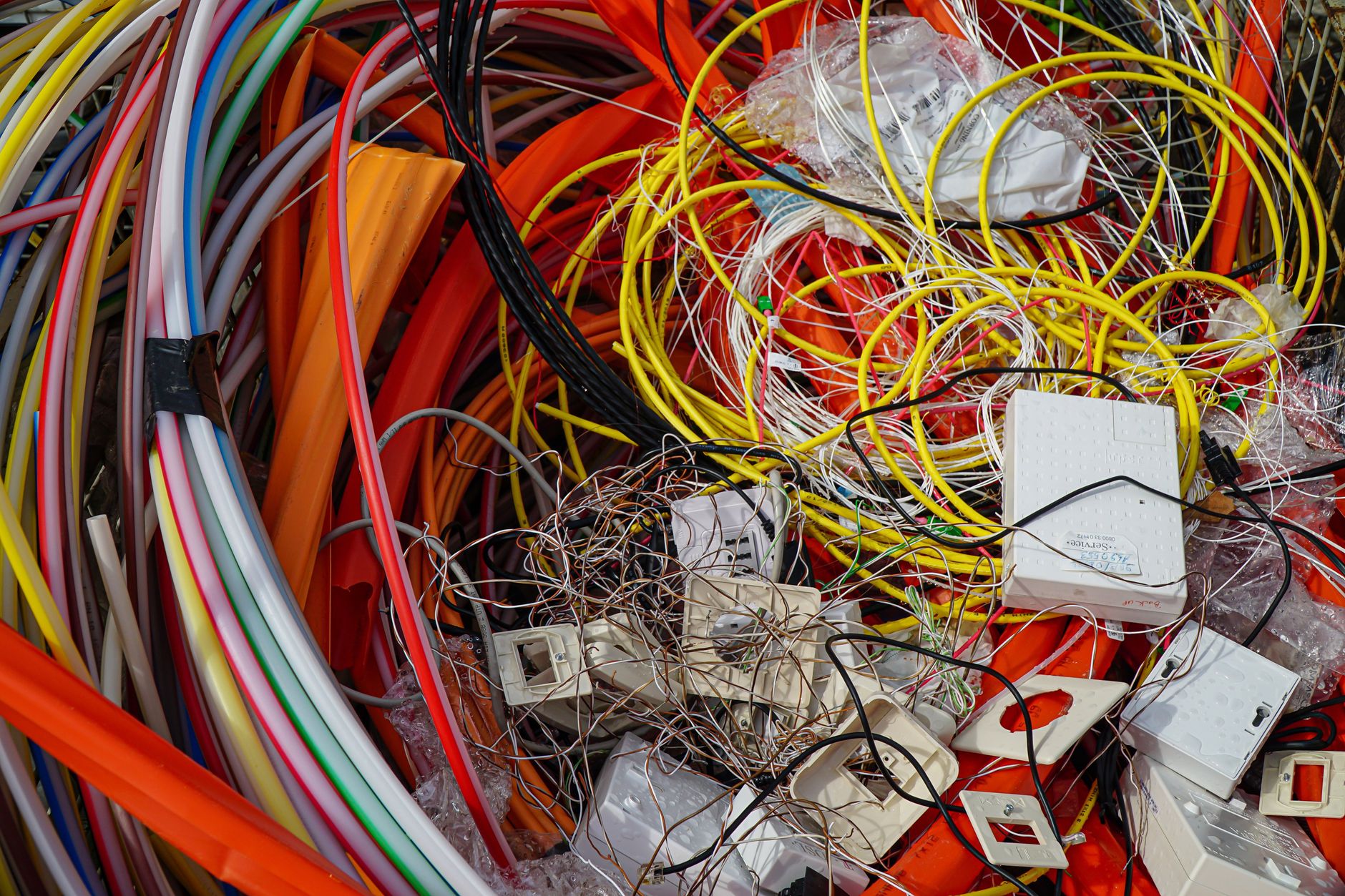
An old Starlink dish, router, power supply and cable should be treated as electronic equipment, not ordinary household rubbish. The right next step depends on whether you are reusing the kit, transferring it to another person, returning it under a current arrangement or sending it to an e-waste facility.
This guide keeps the physical hardware decision separate from the Starlink account decision, so you do not dispose of equipment while leaving service, personal access or warranty records unresolved.
Choose the destination first
Put the kit in one of these four groups:
- Reuse it yourself: keep the equipment, accessories and records together for a future setup.
- Transfer or sell it: prepare the hardware and account ownership separately, using the current transfer process for your market.
- Return it: follow the specific return instructions tied to your order, replacement or support case.
- Recycle it: use a local electrical or e-waste collection route that accepts networking equipment.
Do not send equipment to a recycler until you have ruled out a return or an agreed ownership transfer. A recycling receipt is not proof that a subscription was cancelled, and handing over a box is not the same as transferring a service or account.
Keep the account decision separate
Physical disposal does not automatically:
- Cancel a Starlink subscription.
- Pause service.
- Move a service address.
- Transfer ownership.
- Stop billing.
- Remove your account from the Starlink app.
Review the account and plan separately using the current options available in your market. Save a confirmation for any cancellation, pause, address move, return or ownership transfer. If you are giving the kit to another person, do not hand over your account password or leave the person signed in to your app.
If the equipment is being returned under a support or order instruction, use that instruction rather than a general recycling route. Keep the return authorisation, tracking details and photographs until the matter is closed.
1. Record the kit before it leaves you
Make a simple record while the hardware is still together:
- Photograph the dish, router, power supply, cables, mount parts and adapters.
- Note the model and any serial or device information shown in your account or on the equipment.
- Record which parts are present and which were installed permanently.
- Save invoices, warranty records, replacement references and support case numbers.
- Write down the date and reason for disposal or transfer.
This record helps distinguish a complete kit from a missing accessory and gives you evidence if a return or warranty question appears later. Do not place account passwords, recovery codes or full billing details on a label attached to the box.
2. Remove access to your account
Before handing over or discarding the kit:
- Sign out of the Starlink app on any shared or temporary phone.
- Remove saved passwords from devices that other people will use.
- Change the Starlink account password if another person may have seen it.
- Check account security and recovery methods.
- Remove the kit from any personal inventory or device-management notes after you have recorded the information you need.
The router's Wi-Fi name and password are also part of your household's access plan. If you are replacing the router but keeping the same network name and password, decide whether old credentials should remain valid. If you are abandoning that network, change the Wi-Fi credentials on the replacement network rather than relying on the old box being gone.
A hardware reset, where supported by the model, is not a substitute for account security. It does not cancel service or prove ownership transfer. Use the current model-specific reset instructions only after saving any settings you need and only when a reset is appropriate.
3. Decide whether the hardware can be reused
Reuse is often the best outcome when the hardware is complete and undamaged.
Before offering it to someone else, check:
- The dish, router, power supply and cables are present.
- No cable is crushed, cut, corroded or missing a connector.
- There is no water ingress, burning smell, cracked housing or damaged power supply.
- The mounting parts are identified rather than assumed to be included.
- You have separated personal account access from the equipment.
- The recipient understands that hardware compatibility, service availability and plan rules must be checked for their location.
Do not promise that a used kit can be activated at a particular address or plan. Those conditions can vary by market and can change over time. Transfer the hardware and service through the current supported process, not by sharing your login.
4. Prepare equipment for e-waste recycling
If the kit is not being reused, contact the local authority, retailer or certified e-waste collection service before delivery. Ask whether it accepts:
- Networking routers.
- Outdoor satellite or communications equipment.
- External power supplies.
- Long data or power cables.
- Mounting hardware.
Acceptance rules vary. Some collection points accept a router but not an outdoor dish, while others require separate categories. Do not assume that a household recycling bin accepts networking equipment just because it accepts small batteries or cables.
Keep the hardware dry and intact while waiting for collection:
- Disconnect all power.
- Let equipment dry fully before packing.
- Coil cables in broad loops without crushing connectors.
- Place small adapters and screws in a labelled bag.
- Use a sturdy box with padding.
- Mark the box as electronic equipment if the collection service requests it.
- Do not wrap wet equipment in an airtight bag.
If the kit was exposed to a storm, flood or liquid, tell the collection service. Do not power it on to test it, and do not open the power supply.
5. Handle batteries separately
A standard Starlink kit is not the same thing as every power system used with it. You may also have a UPS, portable power station, power bank or vehicle battery.
Separate those items and follow the battery manufacturer's instructions:
- Do not put lithium batteries in general waste.
- Do not place a swollen, punctured or hot battery in a normal collection box.
- Do not store loose battery terminals where they can touch metal.
- Tell the collection service about damaged or swollen batteries before transport.
- Keep battery packs away from the dish, cables and router if they are being stored temporarily.
The same rule applies to a third-party inverter or solar controller. It may have a different recycling route from the Starlink electronics.
6. Do not dismantle the equipment casually
A dish, router or power supply can contain sealed components and parts that are not intended for user repair.
Avoid:
- Opening the power supply.
- Cutting cables to make the box smaller.
- Drilling or crushing the dish.
- Pulling connectors out by the wire.
- Removing labels that contain serial information before you have recorded them.
- Mixing loose screws, adapters and batteries in one bag.
Dismantling can create a safety problem and can make a return, warranty or recycling route harder. Leave the kit intact unless the receiving service gives specific preparation instructions.
7. Return a kit under an official instruction
A support replacement or order return can have different packing and deadline requirements from ordinary e-waste.
Before sending it:
- Confirm the exact hardware listed in the return instruction.
- Photograph the equipment and package contents.
- Pack the dish, router, power supply and cables as directed.
- Remove personal notes and account credentials from the box.
- Record the tracking number and handoff date.
- Keep the confirmation until the return is marked complete.
Do not substitute a recycling receipt for a return tracking record. If a component is missing or damaged, report that through the return or support channel before sending the parcel.
8. Keep useful records without keeping personal data
Retain the information that helps with future support or tax records:
- Hardware model and serial reference.
- Order or invoice number.
- Warranty or replacement case.
- Return tracking number.
- Date of transfer, return or recycling.
- Photographs showing the kit's condition.
Delete or securely store unnecessary personal information. A box label should not expose your account email, phone number, Wi-Fi password or recovery code. If you keep a photograph of a label, store it with the rest of your account records rather than sharing it with a buyer or recycling service.
Quick decision checklist
- [ ] Account status reviewed separately from the physical hardware.
- [ ] Return, transfer and reuse options checked before recycling.
- [ ] Kit contents, model and serial information recorded.
- [ ] Starlink app sessions, saved passwords and recovery access reviewed.
- [ ] Wi-Fi credentials changed if the old network should no longer be trusted.
- [ ] Return authorisation and tracking saved where applicable.
- [ ] Local e-waste service confirmed it accepts the equipment.
- [ ] UPS, power banks and other batteries separated.
- [ ] Equipment kept dry, intact and unpowered during handoff.
- [ ] No cables cut and no power supplies opened.
The safest end-of-life process is orderly: settle the account, record the hardware, remove personal access, follow an official return or transfer path when one exists, and use a confirmed e-waste route for what remains. The box may leave your home, but your account and service responsibilities still need their own documented closing step.