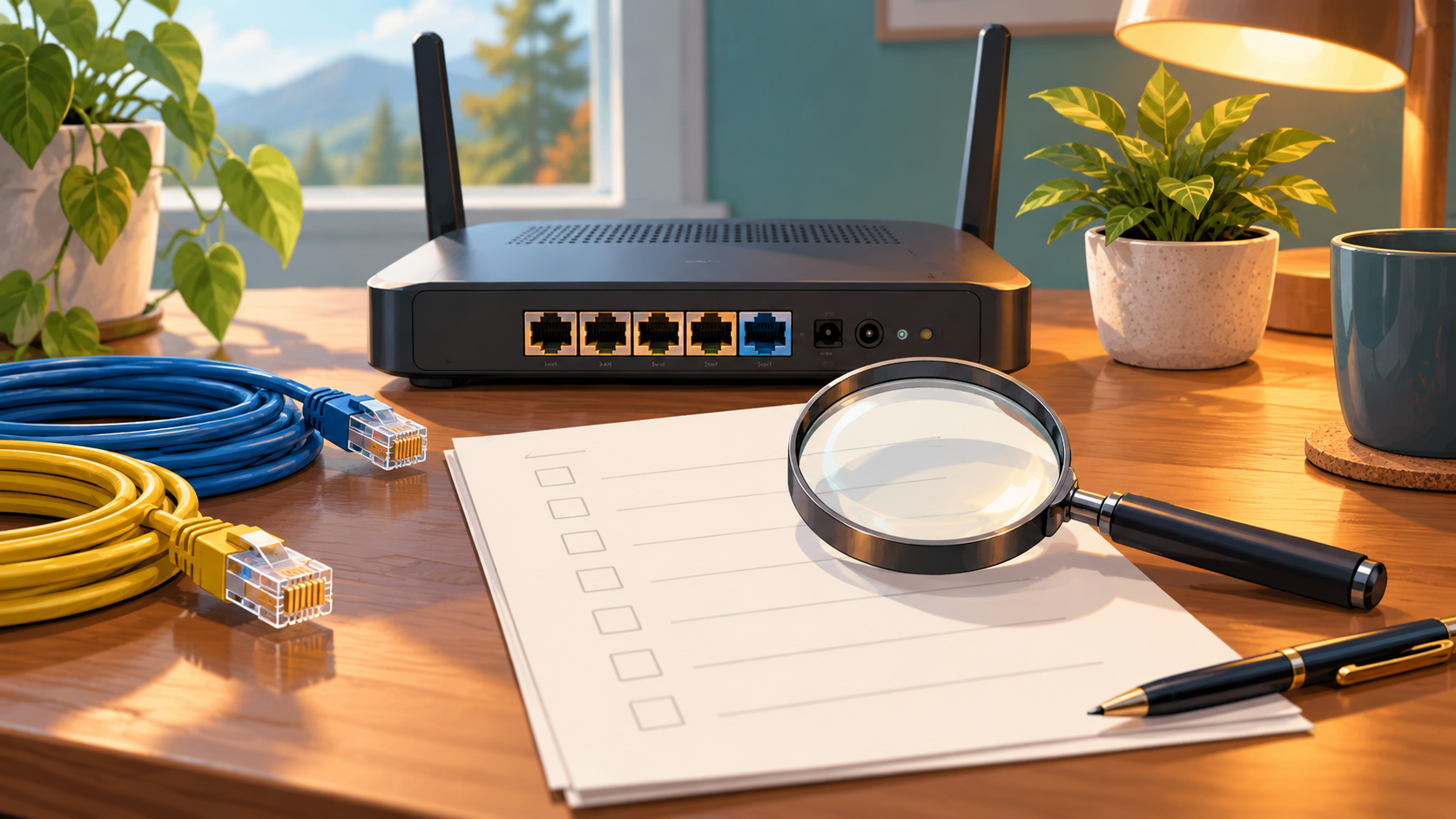
How to Read a Router Specification Sheet for a Starlink Upgrade
Equipment & Accessories
Research checked 1 November 2026. This is a specification-reading checklist, not a hands-on review or a recommendation of a particular router.
Write down the missing feature
Begin with one sentence: “I need this router to…” Examples include connecting wired equipment, separating guest devices or switching to another internet source. If your problem is poor satellite reception, changing an indoor router may not address it.
Take the exact proposed model and hardware revision to the manufacturer's specification page. Match that against the manual and current firmware notes. A feature shown for another model in the same range is not enough.
Check the Starlink connection first
Identify your Starlink hardware and the physical Ethernet handoff it supports. Starlink's official third-party guidance explains that adapter requirements vary. Find the new router's WAN port and check how the vendor says it should connect.
Bypass mode turns off the Starlink router's routing/Wi-Fi role so another router can manage the network. It is a design choice to plan, not a box to tick automatically. Read the recovery instructions before changing a working system and keep a private record of your current settings.
Decode the multi-WAN claim
Failover, load balancing and bonding describe different behaviour. In ASUS's documented dual-WAN example, failover changes to a backup when the primary fails; load balancing distributes internet sessions across connections. Peplink describes packet-level bonding through its SpeedFusion system. These examples explain terms, not a promise that every router implements them in the same way.
Ask the vendor: “Will a call already in progress survive a connection change, under what configuration, and with what subscription?” Do not infer uninterrupted calls or a faster single download from a dual-WAN badge alone.
Compare like-for-like specifications
Make a short record for each candidate:
- Exact model, revision and supporting manual.
- Required WAN types and compatible modem or tethering method.
- LAN ports remaining after the intended WAN configuration.
- Needed guest-network or security functions and their configuration requirements.
- Required cloud service, subscription, licence or support renewal.
- Power supply, operating environment and warranty conditions.
Mark each item confirmed, excluded or unanswered. Send unanswered questions to the seller rather than guessing from marketing graphics. Keep advertised Wi-Fi rates separate from the internet performance you expect at the desk.
Define the return-period test
Save your original configuration. Test the new router with representative devices and applications, then verify any backup route using the vendor's procedure. Keep the old path available until the new one passes. A successful speed test alone does not establish that work VPNs, guest isolation or automatic recovery work correctly.
References
- Starlink: third-party routers
- ASUS: dual-WAN behaviour
- Peplink: bandwidth bonding
- Topic inspiration: Mobile Internet Resource Center's Gear Center. No member-only research, reviews or test results are reproduced.
Check the current Starlink offer
Check your current price and offer on Starlink. Starlink Tips is independent and may receive a reward for an eligible referral. Confirm the price, benefit and conditions shown for your location before ordering.