Plan OPNsense Dual-WAN With Starlink and a Backup Connection
Equipment & Accessories
A dual-WAN firewall needs more than two internet cables. Gateway monitoring, DNS and traffic rules must agree about which connection to use when Starlink becomes unavailable.
Work through the setup
Step 1
Label the Starlink and backup interfaces and record their addressing. Keep their upstream networks distinct from the LAN and from each other.
Step 2
Verify each WAN separately with a test client before creating a gateway group. A broken backup is not fixed by adding failover rules.
Step 3
Follow OPNsense's current multi-WAN instructions for monitoring and priority. Choose monitoring targets that represent the path you intend to test.
Step 4
Review DNS behaviour and firewall-originated traffic as well as client traffic. A working gateway group does not automatically fix every resolver path.
Step 5
Disconnect one WAN cable in a controlled window and test browsing, name resolution and a new call. Reconnect and observe recovery.
Step 6
Keep a local configuration backup and a one-WAN rollback plan. Document which sessions may need restarting after an address change.
Worked example
Suppose OPNsense switches clients to a backup WAN, yet pages fail because their resolver path still depends on the unavailable connection. Test name resolution as well as a raw destination and the gateway state. Review the documented handling of firewall-originated traffic. When both WANs work independently, repeat the controlled cable-disconnect test and include a new application session, not just an already-open page.
Interpret the result
- Backup alone fails: Repair it before configuring failover.
- Gateway changes, DNS fails: Review the resolver path.
- New sessions work after failover: Document the effect on existing sessions too.
Checks and limitations
This is an advanced network change. Use the current documentation for your release and do not copy interface names from another installation. Keep a person with local access available during initial tests.
Why does OPNsense fail over but name resolution still fail?
Gateway selection and DNS behaviour can need separate configuration. Check resolver access and firewall-originated traffic against OPNsense's current multi-WAN documentation. Test each WAN alone, then DNS during a controlled failover before relying on the setup.
Sources and review
Official documentation for this guide
Reviewed: 11 November 2026. The practical sequence and worked example are Starlink Tips editorial guidance. Check current instructions for your hardware, software and country.
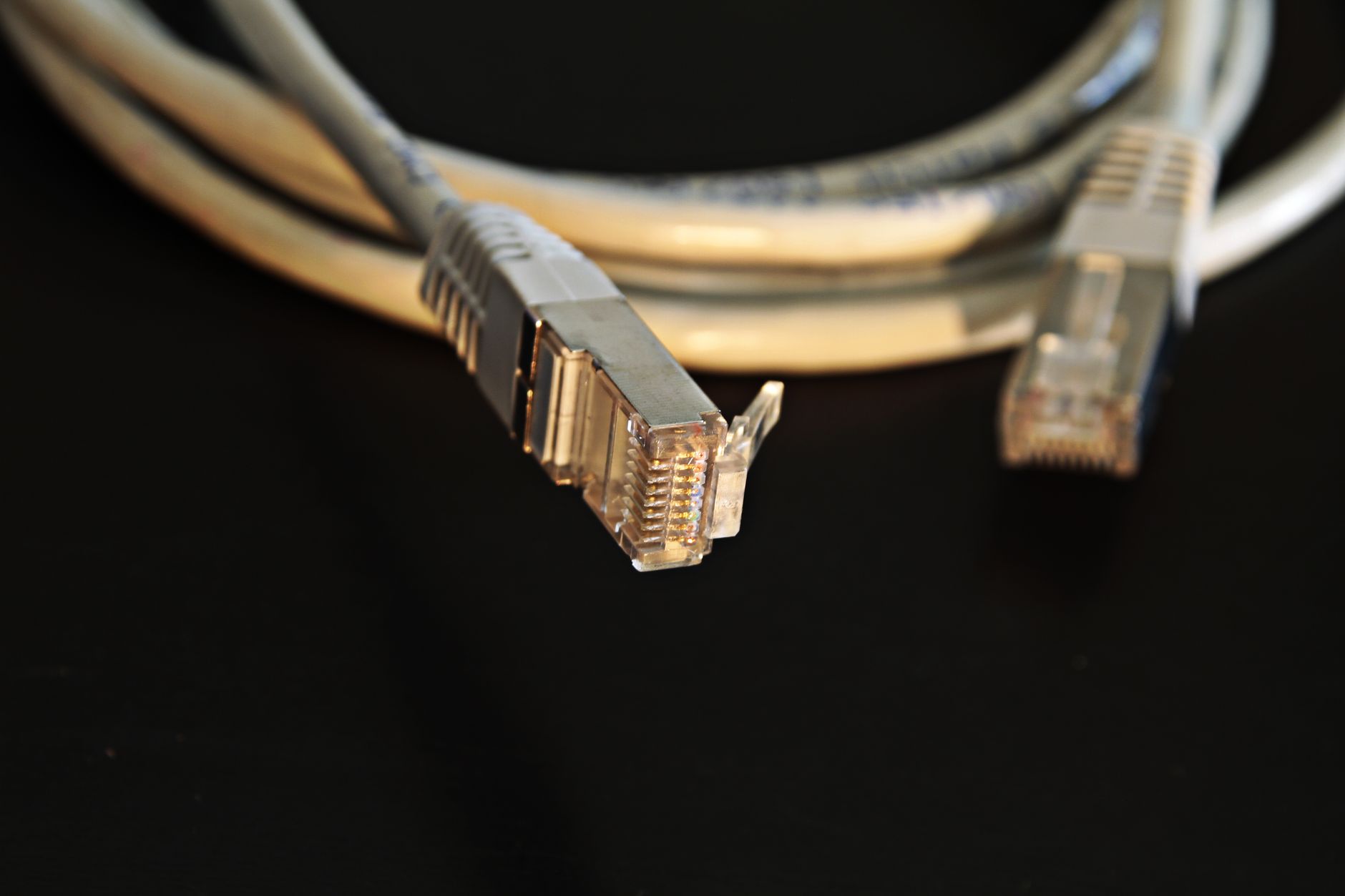
Illustrative photograph: Detailed close-up of a network Ethernet cable showing connectors on a black background. Credit: Pixabay.