Connect Starlink Mini to Router Mini: Choose Wired or Wireless
Equipment & Accessories
Starlink Mini is the outdoor terminal with integrated Wi-Fi; Router Mini is a separate networking product. Identifying those two devices first prevents buying the wrong cable or enabling the wrong operating mode.
Work through the setup
Step 1
Get the Starlink Mini terminal online by itself. Record its normal app status before adding another device to the setup.
Step 2
For a wired installation, check the official compatible cable and port arrangement for your exact kit. Preserve the outdoor connector's weather seal.
Step 3
For a wireless trial, power Router Mini near the terminal with few barriers between them. Pair it using the app's mesh prompt.
Step 4
Test an indoor device beside the added router, then in the room that previously had poor coverage. Keep the terminal location unchanged.
Step 5
Move the router to a practical indoor position and repeat. Compare wired backhaul if walls or metal make the wireless link unreliable.
Step 6
Label the cables and record whether the link is wired or wireless. Include photographs of the port connections in any support request.
Worked example
Suppose the terminal works outside, but video calls inside a brick building fail. Pair Router Mini nearby, then test its final indoor location. If that location leaves a weak wireless path back to the terminal, moving it farther indoors may worsen backhaul even though the laptop has strong Wi-Fi bars. A compatible wired connection can address that particular hop. It does not remove dish obstructions or change the satellite plan.
Interpret the result
- Mini itself is offline: Restore the base connection before pairing.
- Router works nearby only: Investigate backhaul and barriers.
- Good backhaul but one client fails: Test that client separately.
Checks and limitations
Starlink's current guidance says not to enable bypass for Router Mini used as its mesh router. Bypass is for a third-party routing arrangement. Check the current model instructions before changing that setting.
Should I turn on bypass when adding Router Mini to a Starlink Mini?
Follow the official Router Mini pairing instructions: Starlink says bypass is for third-party routers, not Router Mini used as a Starlink mesh router. Get the terminal online first, then pair the additional router through the supported wired or wireless method.
Sources and review
Official documentation for this guide
Reviewed: 11 November 2026. The practical sequence and worked example are Starlink Tips editorial guidance. Check current instructions for your hardware, software and country.
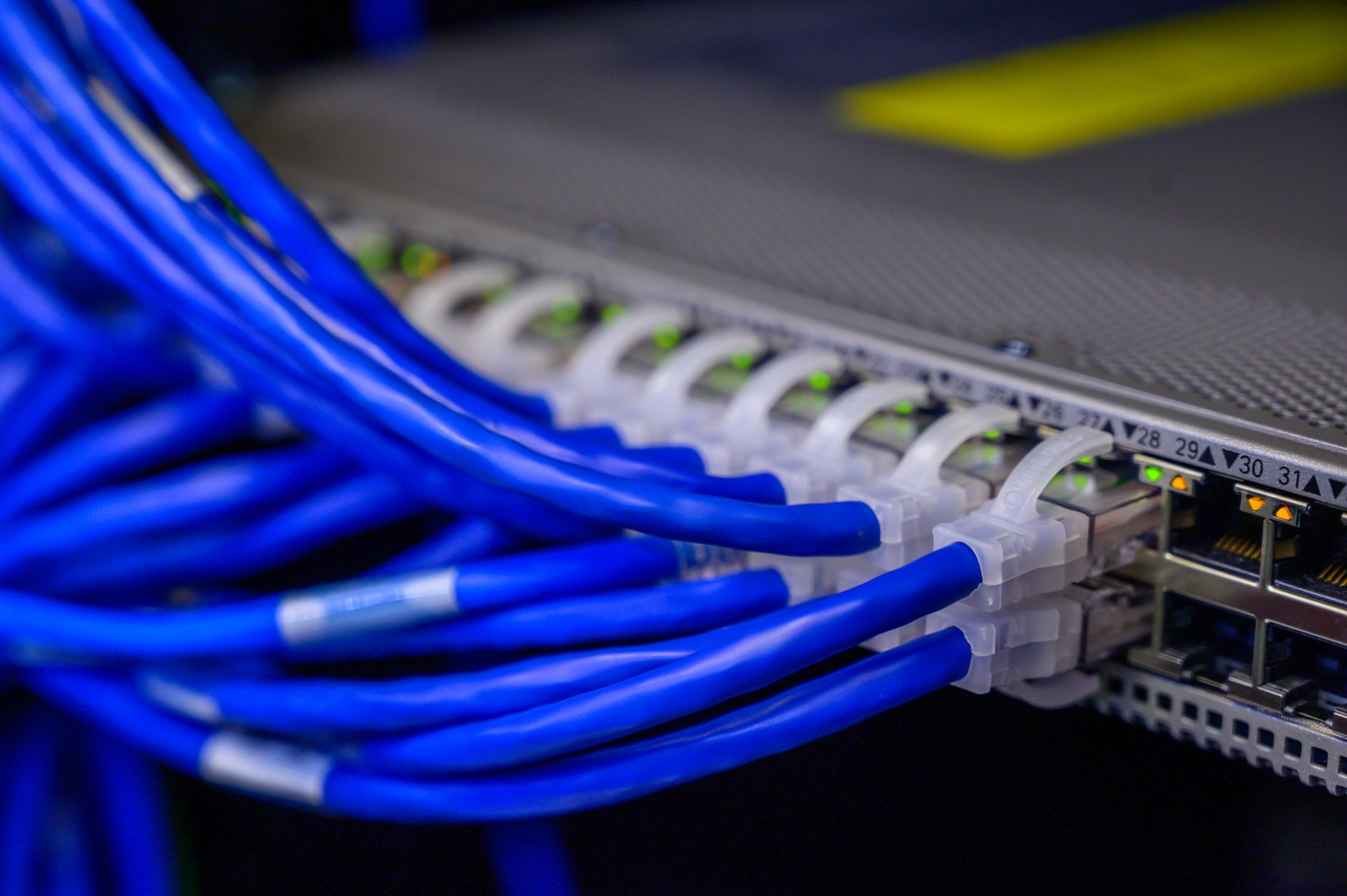
Illustrative photograph: Detailed view of blue ethernet cables connected to a network switch in a data center. Credit: Brett Sayles.