Starlink Ethernet vs Wi-Fi: Which Devices Should Be Wired?
Speed & Performance
Independent guide: Starlink Tips is independent of Starlink. Results vary by location, installation, local Wi-Fi and network conditions.
Claim Your Free Month
Order through my referral link and activate your service. Your second month of Starlink service will be free.
What matters most
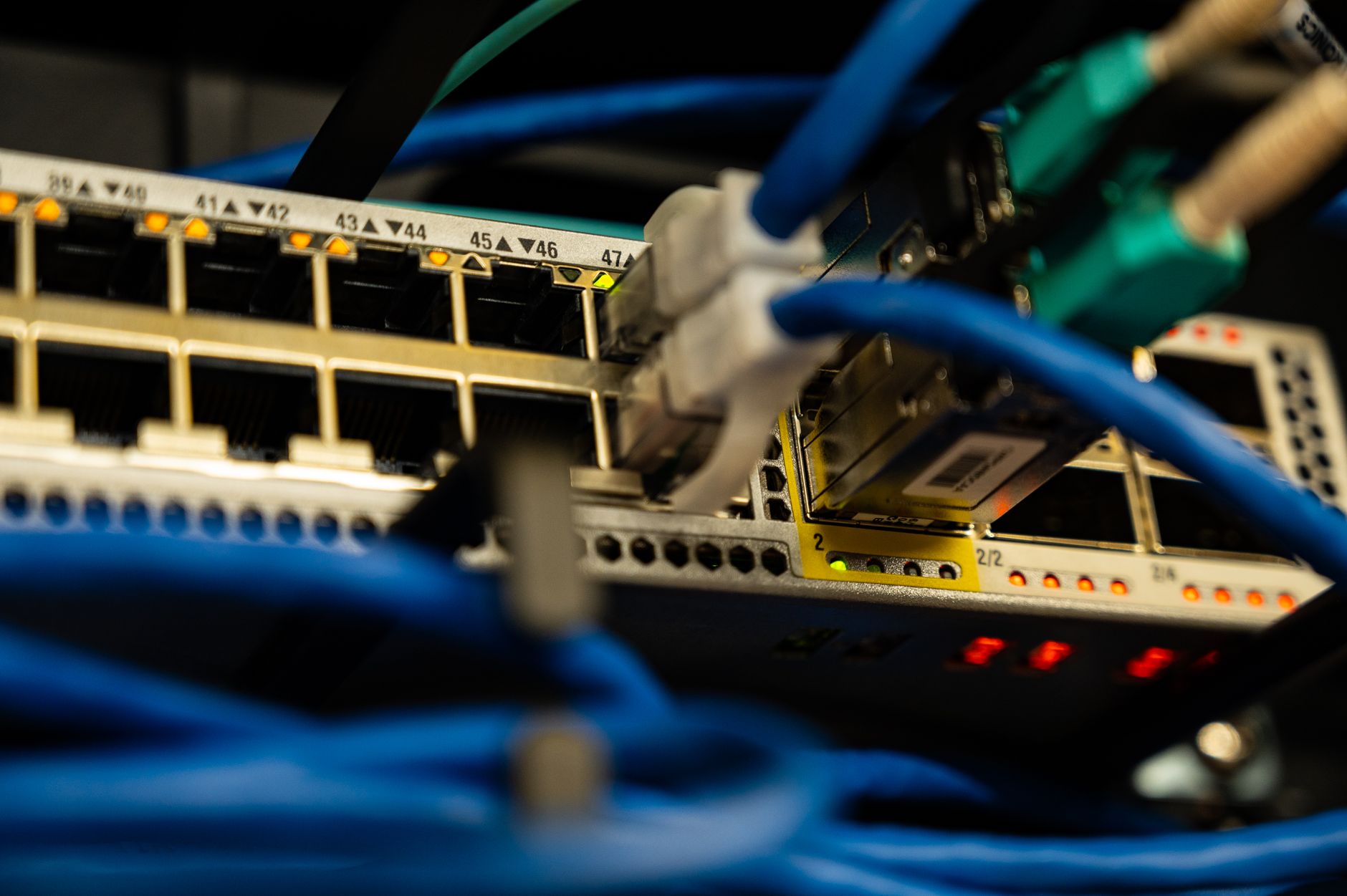
Wi-Fi is convenient, but Ethernet removes local wireless interference, distance and wall-related signal loss. It is most useful for devices that stay in one place and need stable performance.
Test before you spend money
Prioritise a work computer, games console, TV streaming box, desktop PC or mesh-network backhaul. Test before and after connecting the cable so you can see whether local Wi-Fi was the limiting factor.
Claim Your Free Month
Order through my referral link and activate your service. Your second month of Starlink service will be free.
Practical fixes
Use suitable cables, avoid sharp bends and route them safely. Do not turn a simple improvement into a trip hazard or a cable trapped in a door.
A sensible next step
Keep Wi-Fi for mobile devices and rooms where cabling is not practical. A mixed wired-and-wireless layout is normal.
Claim Your Free Month
Order through my referral link and activate your service. Your second month of Starlink service will be free.
Related Starlink guides
- How to Read Starlink App Statistics: Latency, Packet Loss and Outages
- Starlink for Gaming: Reduce Lag, Packet Loss and Disconnects
- Starlink Slow at Night? How to Diagnose Peak-Hour Congestion