Use campsite Wi-Fi as an authorised backup WAN
Campervans, Motorhomes & RVs
A travel router can use a campsite's Wi-Fi as its upstream connection only where the site permits that arrangement. Obtain permission and understand the login and device rules before configuring it as a backup WAN.
Establish the authorised connection
Ask the campsite for the genuine network name, login method, session duration and whether a router is allowed. Confirm any device or sharing limit. Do not use MAC cloning, camouflage or other techniques to evade those restrictions.
Place the travel router where it receives a usable signal and can be safely powered. Your devices connecting strongly to the travel router does not prove its upstream connection to the campsite is good.
Connect using the documented mode
For a supported GL.iNet router, its documentation describes Repeater mode for joining an existing Wi-Fi network. Connect a phone or laptop to your own router, open its documented administration interface and select the campsite's authorised network.
If a captive portal is required, complete the genuine campsite login. GL.iNet documents a public-hotspot login mode on supported firmware. Menu availability depends on the device and version. Follow the manual, but do not weaken security settings or bypass access controls merely to force a connection.
If the portal does not work, ask staff whether they can authorise the router directly. Use a permitted device connection instead if routers are not supported. Do not enter payment or account details into an unfamiliar page simply because it appeared after joining Wi-Fi.
Test fallback and privacy
Check browsing and the applications you need. Re-test after the session expires or the router restarts. If automatic switching is configured, test both failure and recovery; not every travel router or firmware provides identical multi-WAN behaviour.
Public-hotspot login can change how traffic is handled. Avoid sensitive work until the connection and your organisation's required protections are confirmed. Keep the router's administration password private and its firmware maintained.
The linked Slate 7 overview is model-specific background, not a guarantee that a particular campsite permits routers or supports your login method.
Related question
Should I use campsite Wi-Fi or Starlink Roam?
Sources and further reading
Topic inspiration: MIRC. This is an independently written Starlink Tips guide, not a reproduction or a claim of hands-on testing. Official instructions for your exact equipment take priority.
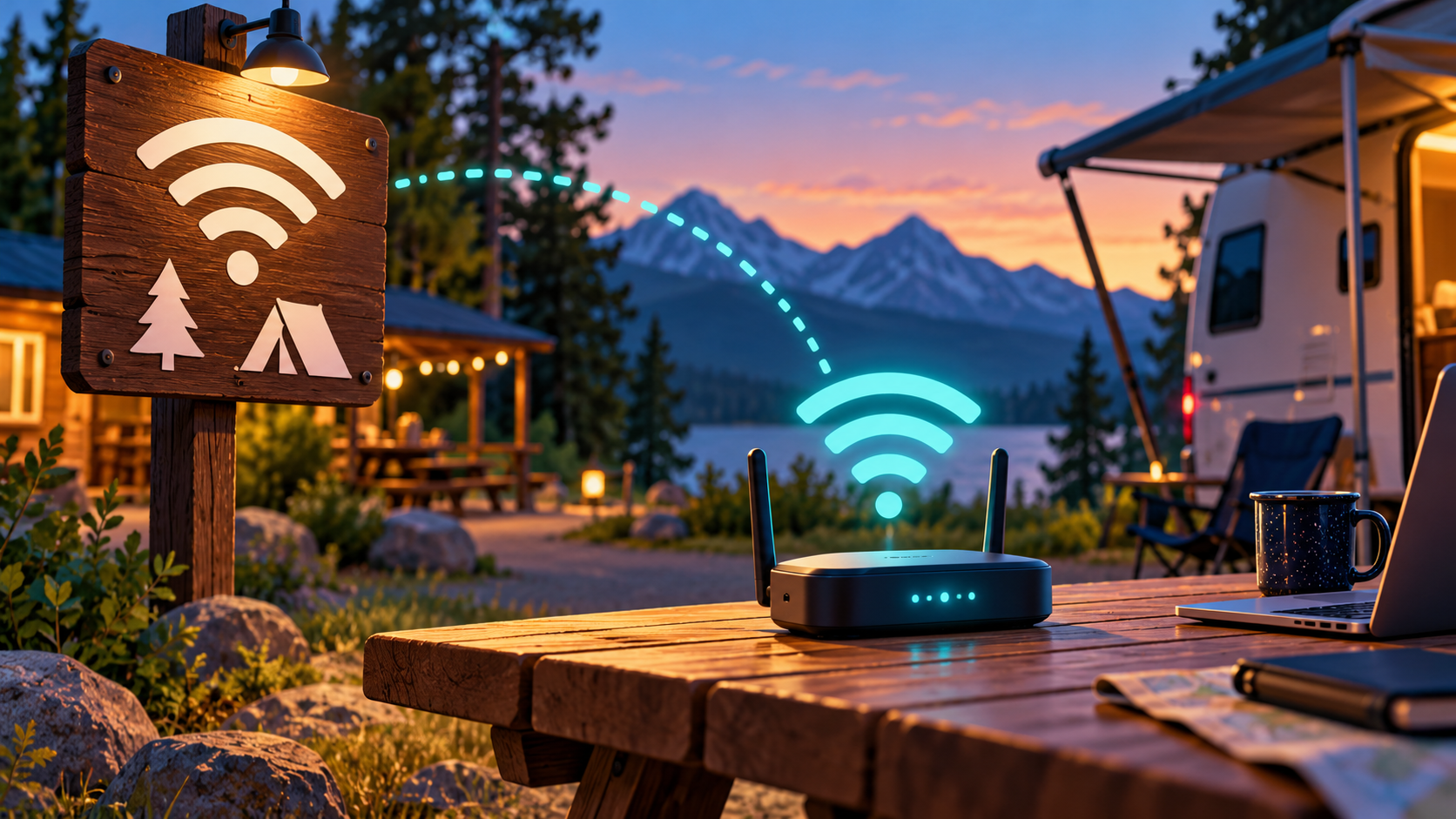
Thumbnail: original AI-generated conceptual illustration; not a fitting, wiring or measurement diagram. Reviewed 1 November 2026.