
Get One Month of Starlink FreeSPECIAL OFFER: GET A FREE MONTH OF STARLINK >
Hands unboxing new technology beside a laptop for hardware review videos

Starlink Hardware Unboxings & Reviews

Starlink kit unboxings, first impressions and detailed hardware reviews from experienced creators.

More from Starlink Hardware Unboxings & Reviews

View playlist

[Portuguese] Me de decepcionei com a nova Starlink Mini

Title language: Portuguese. Renan Fiorini explains the buying considerations in “Me de decepcionei com a nova Starlink Mini”. Starlink Tips related reading (English) Related answer: Should I choose Starlink Mini or a Standard kit? — Choose Starlink Mini Or Standard Related guide: Starlink Mini for Camping, Boating and Remote Work — The Ultimate Starlink Mini Guide Perfect For Camping Boating And Digital Nomads Get One Month of Starlink Free Claim Your Free Month: Starlink Order through my referral link and activate your service. Your second month of Starlink service will be free. Starlink Tips may receive a referral reward. Check the offer shown by Starlink for your order.

[Portuguese] Me de decepcionei com a nova Starlink Mini

Title language: Portuguese. Renan Fiorini explains the buying considerations in “Me de decepcionei com a nova Starlink Mini”. Starlink Tips related reading (English) Related answer: Should I choose Starlink Mini or a Standard kit? — Choose Starlink Mini Or Standard Related guide: Starlink Mini for Camping, Boating and Remote Work — The Ultimate Starlink Mini Guide Perfect For Camping Boating And Digital Nomads Get One Month of Starlink Free Claim Your Free Month: Starlink Order through my referral link and activate your service. Your second month of Starlink service will be free. Starlink Tips may receive a referral reward. Check the offer shown by Starlink for your order.

Questions & answers

Questions about this video

Straight answers to the questions readers ask most often.

Should I choose Starlink Mini or a Standard kit?

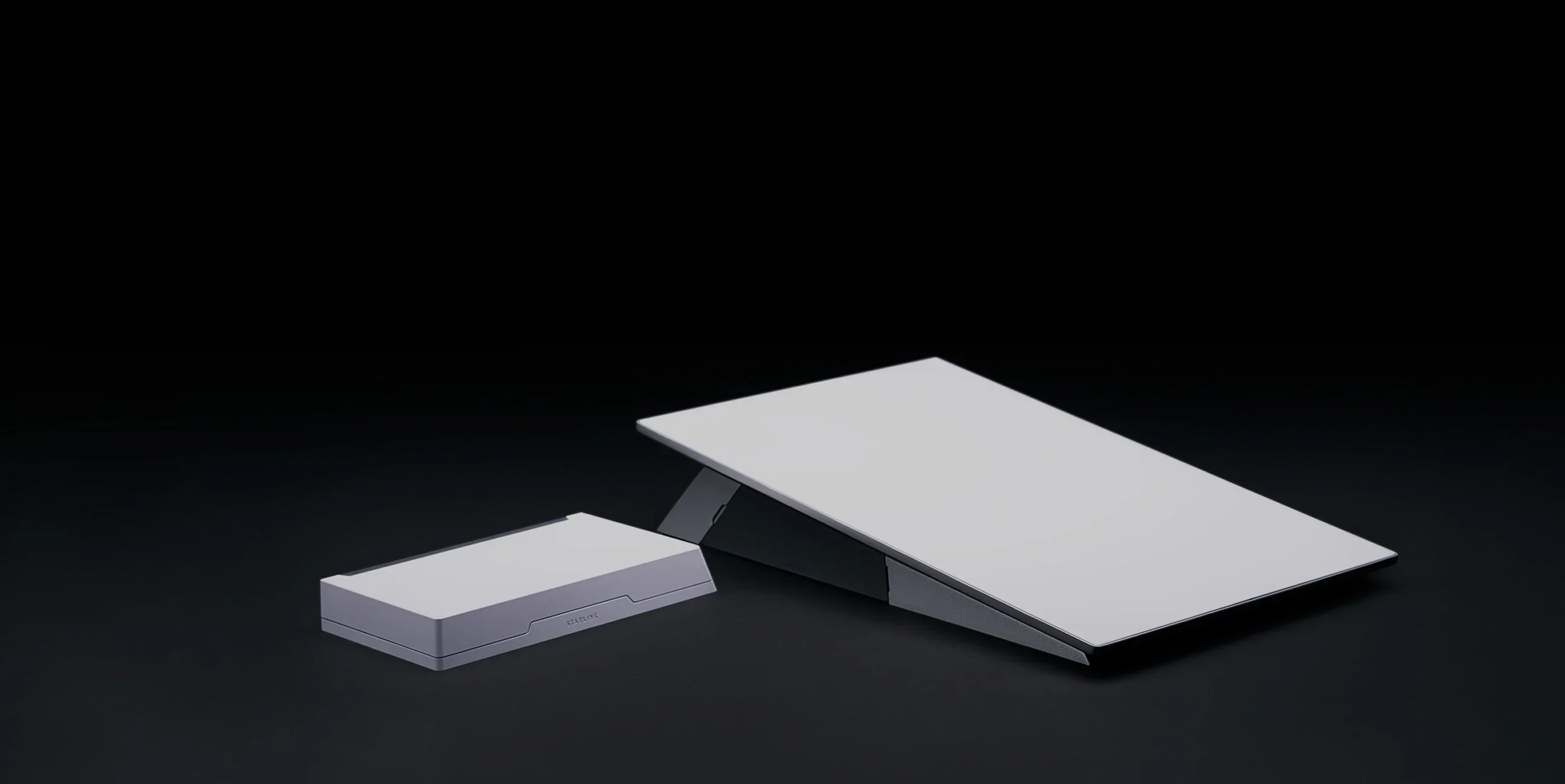
Choose around your intended use, power supply and network layout. Mini integrates Wi-Fi into the portable terminal, while the Standard 4 X specification describes a separate Router 3. Both names refer to hardware; the service plan is a separate decision.

Before ordering, compare:

  • How often you will pack and move the equipment.
  • Where the dish will sit and where people need Wi-Fi.
  • Your available power and expected daily runtime.
  • The supported mounts, cables and Ethernet connections.
  • Which plans are offered for that kit in your country.

For a fixed property, think through the complete indoor network rather than assuming a portable terminal outside will cover every room. For travel, include the power supply, cables, mounting and protective storage in your packing comparison.

Our recommendation is to write down the one problem the new kit must solve, then compare current specifications against it. A smaller terminal is not automatically a better home installation, and newer hardware does not guarantee faster service at every location.

Read our related guide: Starlink Hardware Updates: Should Existing Customers Upgrade?.

Related official guidance: Mini hardware specifications.

Reviewed: 23 September 2026. Plan and hardware details should be checked for your country and equipment.

Get One Month of Starlink Free

Claim Your Free Month

Order through my referral link and activate your service. Your second month of Starlink service will be free.

Open and share this answer
Browse all questions