SPECIAL OFFER: GET A FREE MONTH OF STARLINK - Click here to learn more >SPECIAL OFFER: GET A FREE MONTH OF STARLINK >
3

Installation

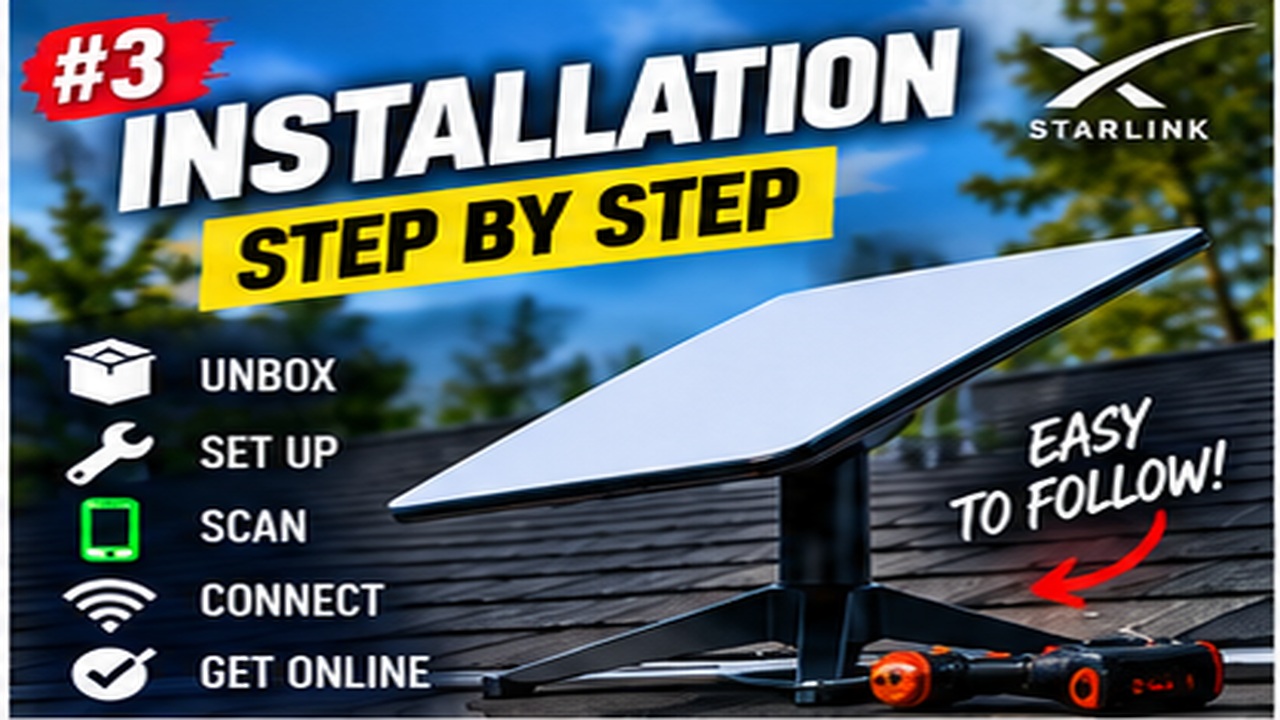
Installation Guide videos from popular YouTube channels in the Starlink community

More from Installation

View playlist

Starlink Gen 2 Installation & Setup Tips & Tricks Mr. Bevel

After 8 months on the waiting list and finally Elon Musk's SpaceX Starlink Gen 2, I named Mr. Bevel, is here! Today I go over the Starlink Gen 2 Installation and Setup process as well as provide tips and tricks that you will thank me for later! ;) I'm currently getting over 20X faster internet here in the studio! Being that this video is a bit longer at 25 minutes I've added chapter markers if you wish to jump around. Please share this video with anyone that may be interested in Mr. Bevel, the Starlink Generation 2. 00:00 Introduction 02:00 What is Starlink? 03:45 Where Is Starlink Available? 04:20 How Many Units Sold? 04:40 Difference Between Gen 1 & Gen 2 ? 06:50 What Is The Cost Of Starlink? 07:50 Is Starlink Reliable? 09:15 What About Bad Weather? 10:50 Starlink Delivery 11:11 Installation 14:50 Starlink Acquiring Satellites 15:50 Starlink App Setup and Walk-thru 18:10 How To Fix Starlink Outages? 19:40 Starlink Safe Installation With No Nails 20:20 How To Check For Obstructions? 20:50 Which Starlink Accessories Should You Buy? For more Starlink coverage subscribe and watch my entire PlayList at: https://youtube.com/playlist?list=PLUrdf7hvHC2KXLQg3HIi8keQOIdxcheS7 Here's the list of products I'm using with my Starlink setup: - Best Tiny Battery Backup For Starlink - https://amzn.to/3tEqQCp - tp-link AC Router - https://amzn.to/3so07J1 - tp-link AX Router - https://amzn.to/3sf2or8 - tp-link Managed Switch: https://amzn.to/3EQJKZy - tp-link Unmanaged Switch: https://amzn.to/3FVbaih - tp-link Outdoor Access Point - https://amzn.to/3uqDYfP - tp-link Indoor Access Point - https://amzn.to/3rV6Nzk - tp-link Control Module (100Mbps) - https://amzn.to/3Lduaf3 - tp-link Control Module (Gigabit) - https://amzn.to/3rVBqEx Routers tested: UTT Failover Router https://amzn.to/3nJBLaL TP-LINK Failover Router #1 https://amzn.to/3IjkyhP TP-LINK Failover Router #2 https://amzn.to/3c8gOUq TrendNET Failover https://amzn.to/3nVukx0 💎 I would love to hear your thoughts in the comment area below! If you would like to get a FREE copy of the Prologue to "How To Create A Digital Fort Knox - Backing Up Your Digital Life" or one of my other FREE books, simply visit https://jcristina.com/books Consider subscribing to the channel, commenting below, and signing up for my newsletter at https://jcristina.com/join Interested in any products that I personally use? Visit https://www.amazon.com/shop/jcristina or go to the bottom of this description for direct links. For business relations please contact me at https://jcristina.com/contact Please take a moment to Thumbs-Up, Subscribe, Turn-On Notifications, and most importantly Tell A Friend about the channel. [ Media Contact Business Relations ] 📧 eMail - https://jcristina.com/contact [ Social Media & Additional Conections ] 🌒 Dark MoonTeas http://DarkMoonTeas.com 📦 20% Off everything https://jcristina.com - Subscribe & use Promo Code YT20 🆓 FREE eBook https://jcristina.com/ebook - 10 Tips To Making Tack Sharp Images 🎬 YouTube - https://youtube.com/jcristina 🔖 Twitter - http://twitter.com/JosephCristina 👀 Instagram - http://instagram.com/JosephCristina 👨‍💼 LinkedIn - https://www.linkedin.com/in/josephcristina 📖 Facebook - https://www.facebook.com/joseph.cristina 📰 Creative Discord Server - https://community.jcristina.com [ Equipment Used ] 💎 MB ] ASUS - PRIME X370-PRO ATX AM4 Motherboard - http://amzn.to/2rmR9LT 💎 CPU ] AMD - Ryzen 7 1700 3.0GHz 8-Core Processor - http://amzn.to/2pSCx4S 💎 GPU ] MSI - GeForce GTX 1070 8GB Video Card - http://amzn.to/2rndQ2o 💎 RAM ] G.Skill FlareX 32GB (2 x 16GB) DDR4-2400 Memory - http://amzn.to/2rflcY5 💎 SSD ] Samsung - 850 EVO-Series 500GB 2.5" SSD - http://amzn.to/2rmXqH8 💎 SSD ] Crucial - MX300 275GB M.2-2280 Solid State Drive - http://amzn.to/2rmGJem 💎 DISPLAY ] Dell - UltraSharp 34” Curved Monitor - U3415W - http://amzn.to/2s6pvTs 💡 Video Lighting - http://amzn.to/2qrDOnH 🎬 Sony ZV-1 - https://amzn.to/3rFkfFj 🎬 Canon EOS 80D with EF-S 18-55mm - http://amzn.to/2p515qI 🎙️ Rode Shotgun - https://amzn.to/372oYZw 🎙️ Tascam Mic w/Recorder - https://amzn.to/39Xb50C 🎙️ Electro-Voice RE-20 - https://amzn.to/37SoBQt 🎙️ Zoom H4n Recorder - https://amzn.to/3oyF2bh 🎙️ dbx 286s Compressor - https://amzn.to/39SLTYY The above are my Amazon affiliate links - if you purchase anything using the links above, you're supporting this channel at no additional cost to you! Thank You for your support! uppbeat.io Music Credit Music from Uppbeat (free for Creators!): https://uppbeat.io/t/hartzmann/clear-sky License code: VS9FBYGJQO3X3DQY License code: 01EP5PBNUMZBPYCP License code: AIZGIKHPB62EKR5R License code: EUON3YQNC5UTNQKR License code: YVQXUGGXLGTVWVTA License code: SZS58ABB4XS1U48X License code: ESGCXYSQAVT5KAWH License code: AMRDP105NCRCQVUA License code: 3UZVGAUMIC63N5NE License code: HUJNNYOTIAYAVV18

Starlink Gen 2 Installation & Setup Tips & Tricks Mr. Bevel

After 8 months on the waiting list and finally Elon Musk's SpaceX Starlink Gen 2, I named Mr. Bevel, is here! Today I go over the Starlink Gen 2 Installation and Setup process as well as provide tips and tricks that you will thank me for later! ;) I'm currently getting over 20X faster internet here in the studio! Being that this video is a bit longer at 25 minutes I've added chapter markers if you wish to jump around. Please share this video with anyone that may be interested in Mr. Bevel, the Starlink Generation 2. 00:00 Introduction 02:00 What is Starlink? 03:45 Where Is Starlink Available? 04:20 How Many Units Sold? 04:40 Difference Between Gen 1 & Gen 2 ? 06:50 What Is The Cost Of Starlink? 07:50 Is Starlink Reliable? 09:15 What About Bad Weather? 10:50 Starlink Delivery 11:11 Installation 14:50 Starlink Acquiring Satellites 15:50 Starlink App Setup and Walk-thru 18:10 How To Fix Starlink Outages? 19:40 Starlink Safe Installation With No Nails 20:20 How To Check For Obstructions? 20:50 Which Starlink Accessories Should You Buy? For more Starlink coverage subscribe and watch my entire PlayList at: https://youtube.com/playlist?list=PLUrdf7hvHC2KXLQg3HIi8keQOIdxcheS7 Here's the list of products I'm using with my Starlink setup: - Best Tiny Battery Backup For Starlink - https://amzn.to/3tEqQCp - tp-link AC Router - https://amzn.to/3so07J1 - tp-link AX Router - https://amzn.to/3sf2or8 - tp-link Managed Switch: https://amzn.to/3EQJKZy - tp-link Unmanaged Switch: https://amzn.to/3FVbaih - tp-link Outdoor Access Point - https://amzn.to/3uqDYfP - tp-link Indoor Access Point - https://amzn.to/3rV6Nzk - tp-link Control Module (100Mbps) - https://amzn.to/3Lduaf3 - tp-link Control Module (Gigabit) - https://amzn.to/3rVBqEx Routers tested: UTT Failover Router https://amzn.to/3nJBLaL TP-LINK Failover Router #1 https://amzn.to/3IjkyhP TP-LINK Failover Router #2 https://amzn.to/3c8gOUq TrendNET Failover https://amzn.to/3nVukx0 💎 I would love to hear your thoughts in the comment area below! If you would like to get a FREE copy of the Prologue to "How To Create A Digital Fort Knox - Backing Up Your Digital Life" or one of my other FREE books, simply visit https://jcristina.com/books Consider subscribing to the channel, commenting below, and signing up for my newsletter at https://jcristina.com/join Interested in any products that I personally use? Visit https://www.amazon.com/shop/jcristina or go to the bottom of this description for direct links. For business relations please contact me at https://jcristina.com/contact Please take a moment to Thumbs-Up, Subscribe, Turn-On Notifications, and most importantly Tell A Friend about the channel. [ Media Contact Business Relations ] 📧 eMail - https://jcristina.com/contact [ Social Media & Additional Conections ] 🌒 Dark MoonTeas http://DarkMoonTeas.com 📦 20% Off everything https://jcristina.com - Subscribe & use Promo Code YT20 🆓 FREE eBook https://jcristina.com/ebook - 10 Tips To Making Tack Sharp Images 🎬 YouTube - https://youtube.com/jcristina 🔖 Twitter - http://twitter.com/JosephCristina 👀 Instagram - http://instagram.com/JosephCristina 👨‍💼 LinkedIn - https://www.linkedin.com/in/josephcristina 📖 Facebook - https://www.facebook.com/joseph.cristina 📰 Creative Discord Server - https://community.jcristina.com [ Equipment Used ] 💎 MB ] ASUS - PRIME X370-PRO ATX AM4 Motherboard - http://amzn.to/2rmR9LT 💎 CPU ] AMD - Ryzen 7 1700 3.0GHz 8-Core Processor - http://amzn.to/2pSCx4S 💎 GPU ] MSI - GeForce GTX 1070 8GB Video Card - http://amzn.to/2rndQ2o 💎 RAM ] G.Skill FlareX 32GB (2 x 16GB) DDR4-2400 Memory - http://amzn.to/2rflcY5 💎 SSD ] Samsung - 850 EVO-Series 500GB 2.5" SSD - http://amzn.to/2rmXqH8 💎 SSD ] Crucial - MX300 275GB M.2-2280 Solid State Drive - http://amzn.to/2rmGJem 💎 DISPLAY ] Dell - UltraSharp 34” Curved Monitor - U3415W - http://amzn.to/2s6pvTs 💡 Video Lighting - http://amzn.to/2qrDOnH 🎬 Sony ZV-1 - https://amzn.to/3rFkfFj 🎬 Canon EOS 80D with EF-S 18-55mm - http://amzn.to/2p515qI 🎙️ Rode Shotgun - https://amzn.to/372oYZw 🎙️ Tascam Mic w/Recorder - https://amzn.to/39Xb50C 🎙️ Electro-Voice RE-20 - https://amzn.to/37SoBQt 🎙️ Zoom H4n Recorder - https://amzn.to/3oyF2bh 🎙️ dbx 286s Compressor - https://amzn.to/39SLTYY The above are my Amazon affiliate links - if you purchase anything using the links above, you're supporting this channel at no additional cost to you! Thank You for your support! uppbeat.io Music Credit Music from Uppbeat (free for Creators!): https://uppbeat.io/t/hartzmann/clear-sky License code: VS9FBYGJQO3X3DQY License code: 01EP5PBNUMZBPYCP License code: AIZGIKHPB62EKR5R License code: EUON3YQNC5UTNQKR License code: YVQXUGGXLGTVWVTA License code: SZS58ABB4XS1U48X License code: ESGCXYSQAVT5KAWH License code: AMRDP105NCRCQVUA License code: 3UZVGAUMIC63N5NE License code: HUJNNYOTIAYAVV18