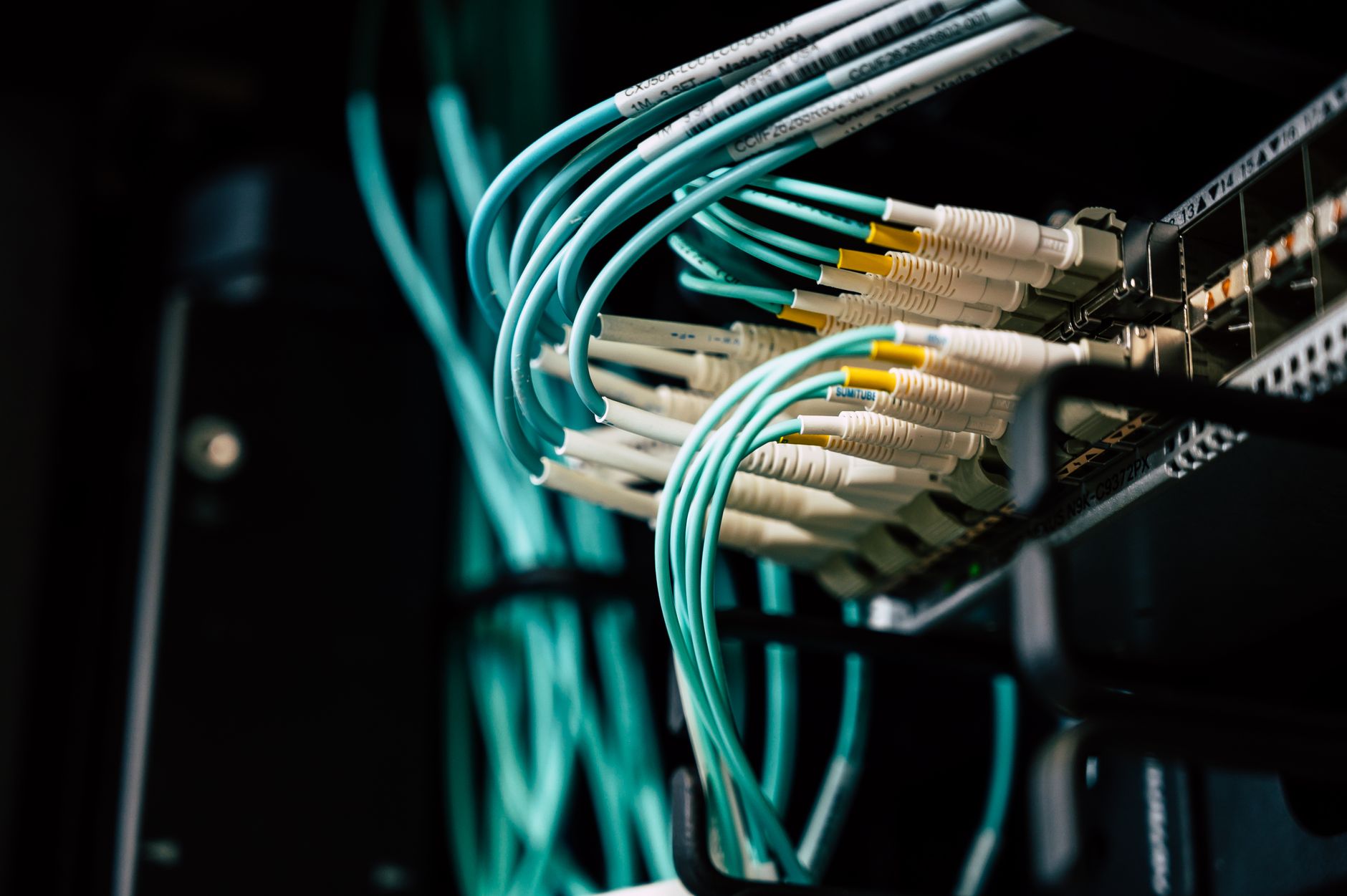
Fibre between buildings: match the complete link
Installation & Setup Guides
A fibre link between buildings is a complete system: cable, connectors, optical modules, compatible ports and power at both ends. Buying a spool labelled fibre is only the beginning.
Make a compatibility worksheet
Ask your installer or supplier to fill in these fields before ordering:
- Required network speed and measured route length, including service loops.
- Switch or media-converter model at each end and supported port/module types.
- Single-mode or multimode fibre designation required by the selected modules.
- Connector type, polish and number of fibres required.
- Matching transmit/receive specifications; a bidirectional pair must be the appropriate complementary pair.
- Cable construction and environmental suitability for the actual route.
- Indoor termination, power, labelling and test arrangements.
Ubiquiti's documentation distinguishes cable and transceiver types and warns that module compatibility can vary. A connector fitting physically is not proof that the optics and host equipment will work together.
Plan the route with an installer
Include entry seals, permitted bend radius, pulling limits, protection from damage and space for future maintenance. Agree how any building-entry and local installation requirements will be met. Do not assume an armoured cable is entirely nonconductive; ask what its construction means for the installation.
Fibre does not supply power to the far building. The remote switch, access point and any cameras still need a suitable power arrangement. Have electrical work handled by a qualified professional.
Accept the complete link
Request a cable schedule and test results appropriate to the agreed specification. Verify a local transfer between buildings separately from an internet speed test, then check internet access and Wi-Fi where you will work. Keep the module part numbers with the installation record.
Do not look into an optical port or disconnected fibre. Keep protective caps in place and leave termination and optical testing to the installer.
The related wireless-bridge video shows an alternative way to connect buildings; it is not a fibre fitting tutorial. Compare the options during the site survey.
Related question
How can I get Starlink internet to a garden office or outbuilding?
Sources and further reading
Topic inspiration: Farm. This is an independently written Starlink Tips guide, not a reproduction or a claim of hands-on testing. Official instructions for your exact equipment take priority.
Thumbnail: original AI-generated conceptual illustration; not a fitting, wiring or measurement diagram. Reviewed 1 November 2026.