LEO vs GEO Satellite Internet: Starlink Performance Explained
Reviews & Comparisons
Independent owner’s guide: Starlink Tips is not part of Starlink. Results vary with location, hardware, obstructions, Wi-Fi and network conditions.
Claim Your Free Month
Order through my referral link and activate your service. Your second month of Starlink service will be free.
The Satellite Revolution: LEO vs. GEO
For decades, satellite internet was synonymous with frustration. Users dealt with massive "lag" (latency), slow speeds, and constant buffering. This was because of the way satellites were positioned in space. Starlink has changed the game by moving the "brain" of the internet much closer to Earth.
To understand why Starlink feels so much faster and more responsive, you have to understand the difference between Geostationary (GEO) and Low Earth Orbit (LEO) satellites.
Geostationary (GEO) Satellites: The Old Way
Traditional satellite providers (like HughesNet or Viasat) use GEO satellites. These satellites are parked in a very specific orbit, approximately 35,786 kilometers (22,236 miles) above the equator.
The Problem with Distance: Latency
Because they are so far away, the time it takes for a signal to travel from your dish, up to the satellite, down to a ground station, and back again is significant. This delay is called latency (or "ping").
- The Math: Even at the speed of light, the round trip to a GEO satellite takes at least 500–700 milliseconds.
- The Real-World Impact:
- Gaming: Impossible. By the time you click "shoot," the opponent has already moved. - Video Calls: Constant "lag" and awkward pauses in conversation. - Web Browsing: A noticeable delay between clicking a link and the page starting to load.
Low Earth Orbit (LEO) Satellites: The Starlink Way
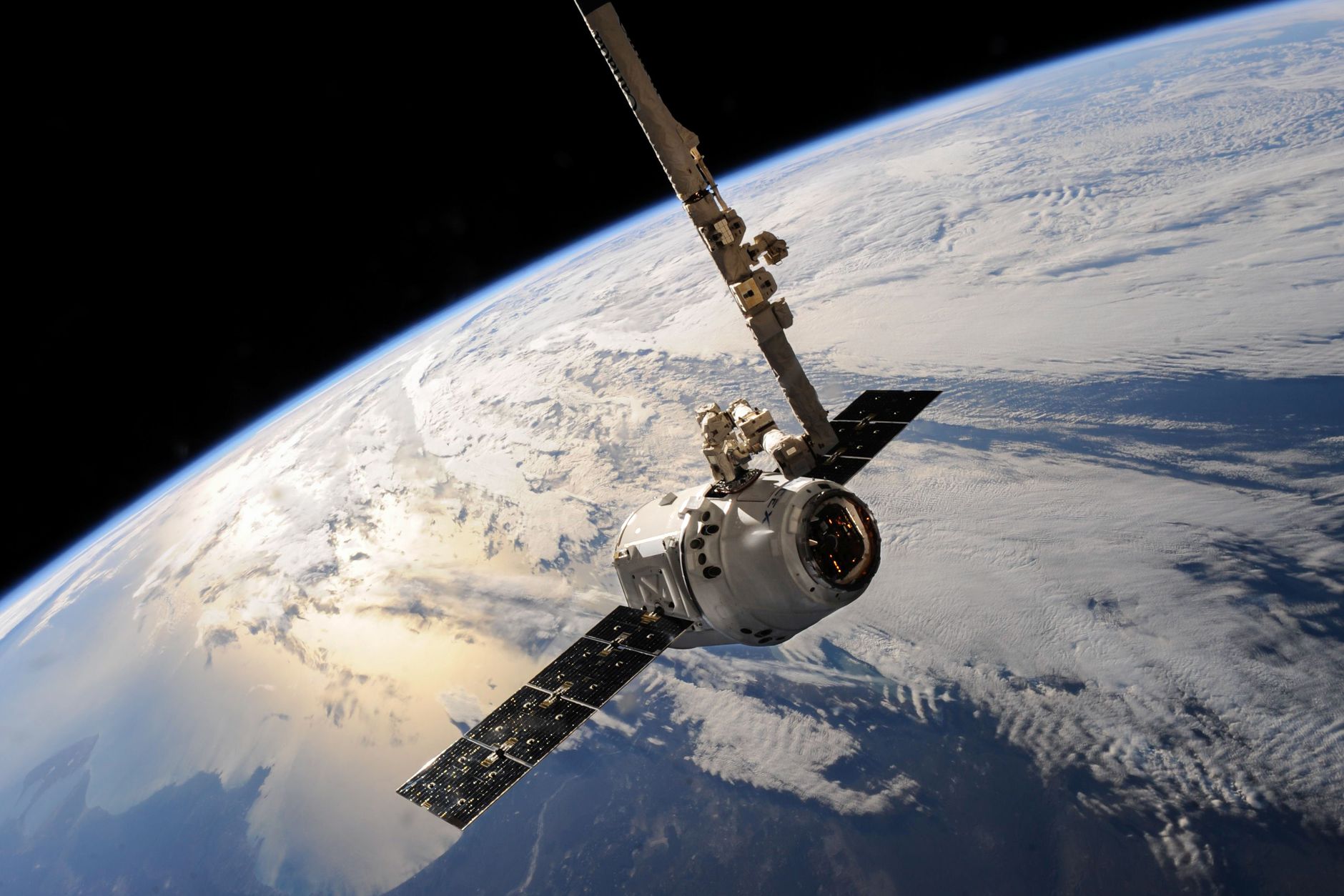
Starlink does not use one or two massive satellites; it uses a "constellation" of thousands of small satellites orbiting much closer to Earth, at an altitude of roughly 550 kilometers (340 miles).
The Advantage of Proximity: Low Latency
Because the satellites are nearly 60 times closer to Earth than GEO satellites, the signal travel time is drastically reduced.
- The Math: Starlink latency typically ranges from 25ms to 50ms, which is comparable to many ground-based cable or fiber connections.
- The Real-World Impact:
- Gaming: Smooth and playable for most modern titles. - Video Calls: Near-instantaneous communication, similar to a landline or fiber connection. - Streaming: High-definition 4K streaming with minimal buffering.
Performance Comparison at a Glance
Altitude
- Traditional Satellite (GEO): ~35,000+ km
- Starlink (LEO): ~550 km
Typical Latency
- Traditional Satellite (GEO): 600ms+
- Starlink (LEO): 25ms - 50ms
Download Speeds
- Traditional Satellite (GEO): Often limited/throttled
- Starlink (LEO): High (50-200+ Mbps)
Gaming/Video Calls
- Traditional Satellite (GEO): Very Poor
- Starlink (LEO): Good to Excellent
Technology
- Traditional Satellite (GEO): Single/Few large satellites
- Starlink (LEO): Large constellation of small satellites
The Trade-offs: What to Keep in Mind
While Starlink is vastly superior in performance, there are a few technical differences to understand:
- The "Handover" Process: Because LEO satellites are constantly moving across the sky, your dish must constantly "hand over" the connection from one satellite to the next. This is why a clear view of the sky is so critical—if a satellite passes behind a tree during a handover, you lose connection.
- Capacity vs. Demand: Because Starlink uses a shared constellation, your speeds can fluctuate based on how many people in your immediate area are using the service at the same time.
- Hardware Requirements: Unlike GEO, which often uses a fixed dish, Starlink requires an "active" phased-array antenna that can electronically steer its beam to track satellites.
Summary: Which is right for you?
If you need a connection that supports modern internet usage—streaming, working from home, or gaming—Starlink is the clear winner. Traditional GEO satellite internet should now only be considered as a last resort for extremely low-bandwidth, non-interactive tasks.
Summary Checklist
- [ ] Do you understand the difference between GEO and LEO?
- [ ] Are you aware that latency is primarily caused by distance?
- [ ] Do you realize why a clear sky is more critical for LEO than GEO?
- [ ] Have you checked your expected latency in the Starlink app?
Related next steps
- Compare Starlink with traditional satellite internet
- See real-world Starlink speed information
- Read an honest UK owner’s Starlink verdict
Claim Your Free Month
Order through my referral link and activate your service. Your second month of Starlink service will be free.