Tune OpenWrt SQM for Variable Starlink Speeds
Speed & Performance
Smart Queue Management can help control local queueing, but a variable satellite link makes a fixed shaper rate a compromise. Start with measurements and keep an easy rollback.
Work through the setup
Step 1
Confirm that the OpenWrt device is actually routing the traffic you want to shape. A wireless access point alone may not control the WAN queue.
Step 2
Back up its configuration and record the firmware version. Check package compatibility and available processing capacity before installing SQM.
Step 3
Measure loaded and unloaded responsiveness at representative times using a wired client. Include upload traffic, not only a download test.
Step 4
Follow OpenWrt's current SQM guide for the correct WAN interface. Start conservatively and change one parameter at a time.
Step 5
Compare a call or game while a large transfer runs. Watch router CPU use and throughput so a processing limit is not mistaken for congestion.
Step 6
Keep the setting only if it improves the activity you care about. Save both the working values and the procedure for disabling SQM.
Worked example
Suppose an SQM setting improves a call during a large upload but reduces the best download result. That may be a worthwhile trade-off if calls are the priority. Compare the normal busy period as well as a quiet test and inspect router load. Do not raise the limit simply to regain a peak score if that brings the original queueing problem back.
Interpret the result
- Latency improves acceptably: Document the throughput trade-off.
- Router CPU saturates: Assess hardware or a less costly configuration.
- No useful improvement: Disable the test setting and restore the baseline.
Checks and limitations
SQM cannot create satellite capacity or remove an obstruction. A low fixed limit can waste available throughput; an overly high one can leave the bottleneck upstream. Revisit the compromise when conditions change.
Can a fixed SQM limit guarantee low latency on Starlink all day?
No. Available satellite capacity varies, so a fixed shaper is a compromise. Measure loaded latency at normal usage times, choose conservative settings and retest real calls or games. SQM cannot repair an obstructed dish or create more capacity.
Sources and review
Official documentation for this guide
Reviewed: 11 November 2026. The practical sequence and worked example are Starlink Tips editorial guidance. Check current instructions for your hardware, software and country.
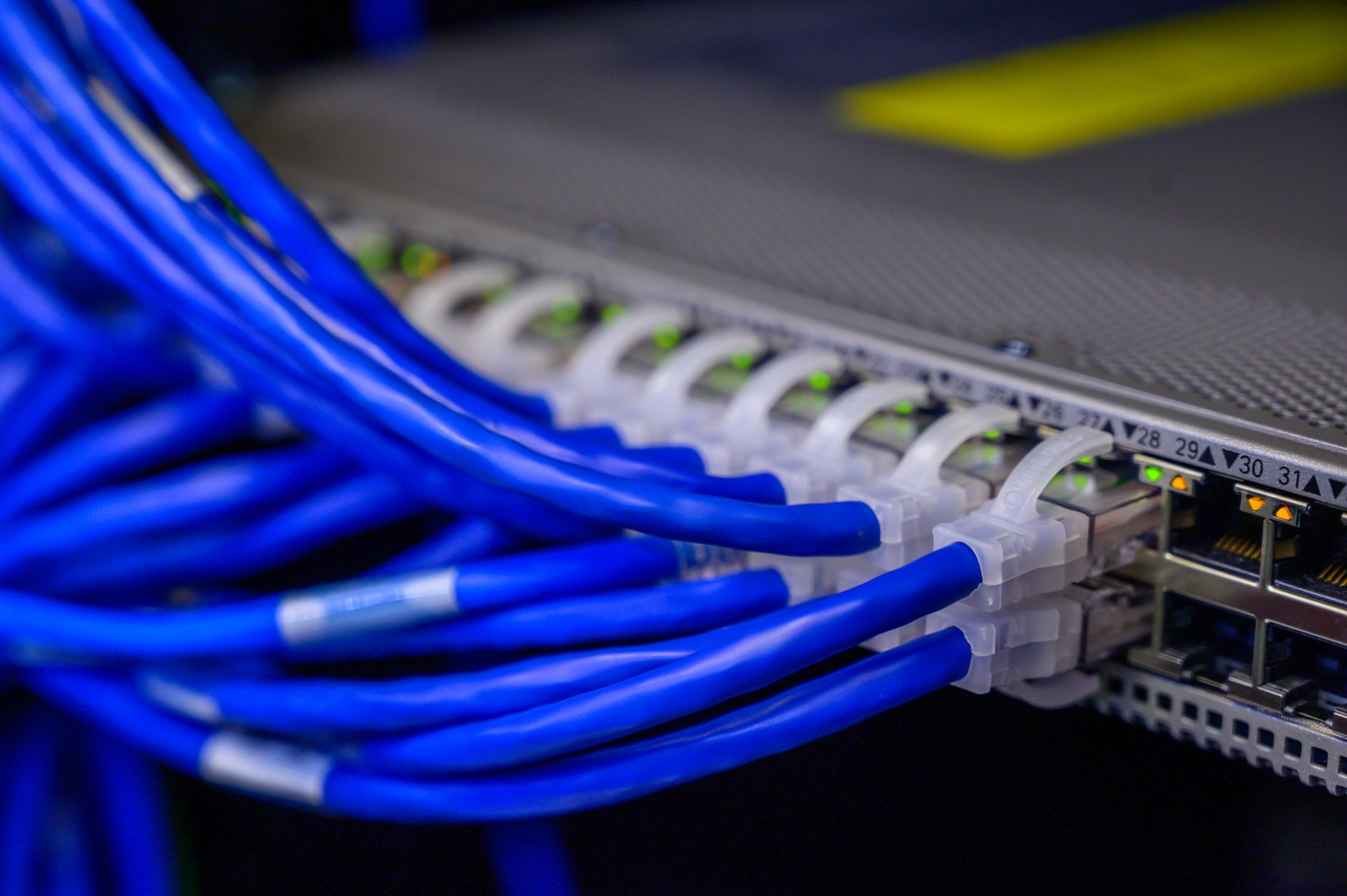
Illustrative photograph: Detailed view of blue ethernet cables connected to a network switch in a data center. Credit: Brett Sayles.