Test Starlink Wi-Fi Locally With iperf3 Before Upgrading Hardware
Speed & Performance
A local throughput test separates your home network from the satellite connection. Use two computers you control on the same LAN; an internet speed-test server cannot isolate that local segment.
Work through the setup
Step 1
Choose one computer as a wired test server and connect it to a known-good LAN port. Confirm its link speed is not the obvious bottleneck.
Step 2
Install iperf3 from a trusted project or operating-system source. Note the installed version because available options can differ.
Step 3
Run a temporary iperf3 server on the wired computer. Permit access only on the trusted local network, not through an internet port forward.
Step 4
From the test device, run a short client test to the server's private LAN address. Record the room, Wi-Fi band and result.
Step 5
Repeat near the router and in the problem room with the same devices. Reverse direction using the documented option if upload behaviour differs.
Step 6
Stop the server and remove any temporary firewall exception. Compare the local findings with a separate Starlink internet test.
Worked example
Suppose the internet test is poor in an upstairs room. A local iperf3 comparison is also poor there but much better beside the router, while the wired server remains unchanged. That directs the next investigation towards the local wireless path. Conversely, a strong local result alongside a poor external test suggests looking beyond that local hop. Keep both results; neither test alone proves the entire path is healthy.
Interpret the result
- Local and internet tests are poor: Repair the local bottleneck first.
- Local is good, internet is poor: Compare the WAN and test destination.
- Results vary with the test server: Check the wired endpoint before blaming Wi-Fi.
Checks and limitations
A poor local result points towards Wi-Fi, Ethernet, device or switch investigation. A good local result does not guarantee good satellite performance. Never expose the test listener publicly just to make a home-network comparison.
Can I test Starlink Wi-Fi speed without using satellite data?
A test between two devices on your own LAN can measure the local link without an external speed-test server. Use a wired iperf3 endpoint and a wireless client, keep the test private, and compare rooms. That result measures the LAN, not Starlink internet speed.
Sources and review
Official documentation for this guide
Reviewed: 11 November 2026. The practical sequence and worked example are Starlink Tips editorial guidance. Check current instructions for your hardware, software and country.
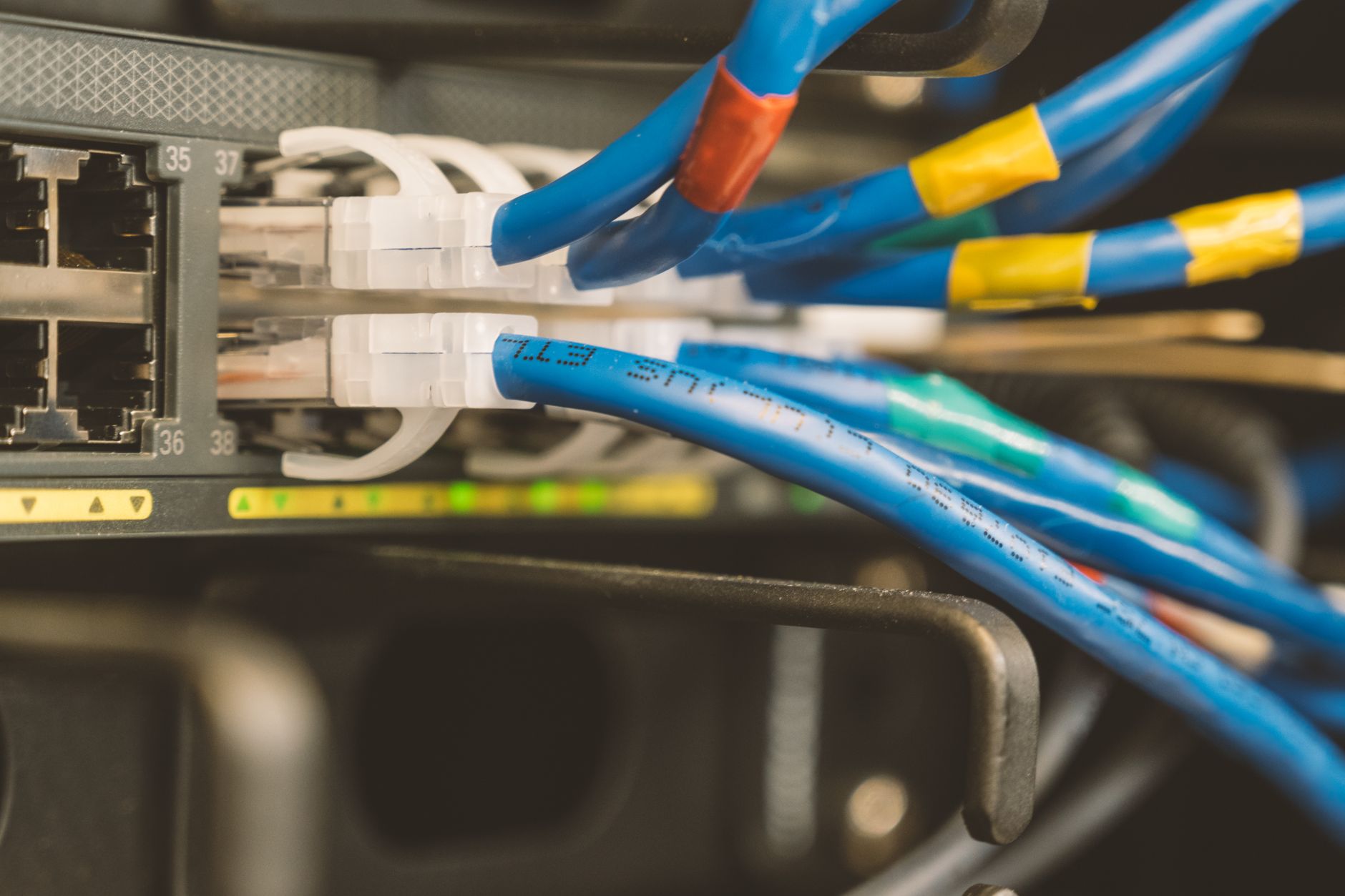
Illustrative photograph: Network switch and blue ethernet cable with white tips connected to system for maintenance Credit: Brett Sayles.