Run a Starlink Wi-Fi Comparison That Another Person Can Repeat
Speed & Performance
A repeatable test is more useful than a collection of impressive screenshots. Control the local conditions so the next person can understand what changed.
Work through the setup
Step 1
Choose the comparison: two rooms, two access points or wired versus wireless. Change only one of those variables at a time.
Step 2
Use the same device and application, and record the network name, location and whether cellular assistance or a VPN is active.
Step 3
Take a small set of results at each position with similar background activity. Note which test path each result measures.
Step 4
Repeat in the normal busy period as well as a quiet period if congestion is part of the complaint.
Step 5
Record actual activity alongside throughput: a call, file copy or page load. Keep failures and mediocre results as well as the best one.
Step 6
Write a short conclusion limited to the measured setup. Include enough detail for another person to repeat the comparison without guessing.
Worked example
Suppose two people compare screenshots from different rooms, different days and different phones. The result cannot isolate which difference mattered. Choose one device, one test and a fixed sequence, then record the active connection and background use. Repeat the normal activity that originally failed. A modest but repeatable improvement is more actionable than an unexplained peak result.
Interpret the result
- One variable changed: Interpret the comparison cautiously.
- Several variables changed: Repeat a controlled comparison.
- Real activity improves: Record the method and working setup.
Checks and limitations
Do not present a one-room test as the performance of every Starlink installation. A repeatable method helps distinguish local Wi-Fi improvements from changes in satellite capacity.
Sources and review
Official documentation for this guide
Reviewed: 11 November 2026. The practical sequence and worked example are Starlink Tips editorial guidance. Check current instructions for your hardware, software and country.
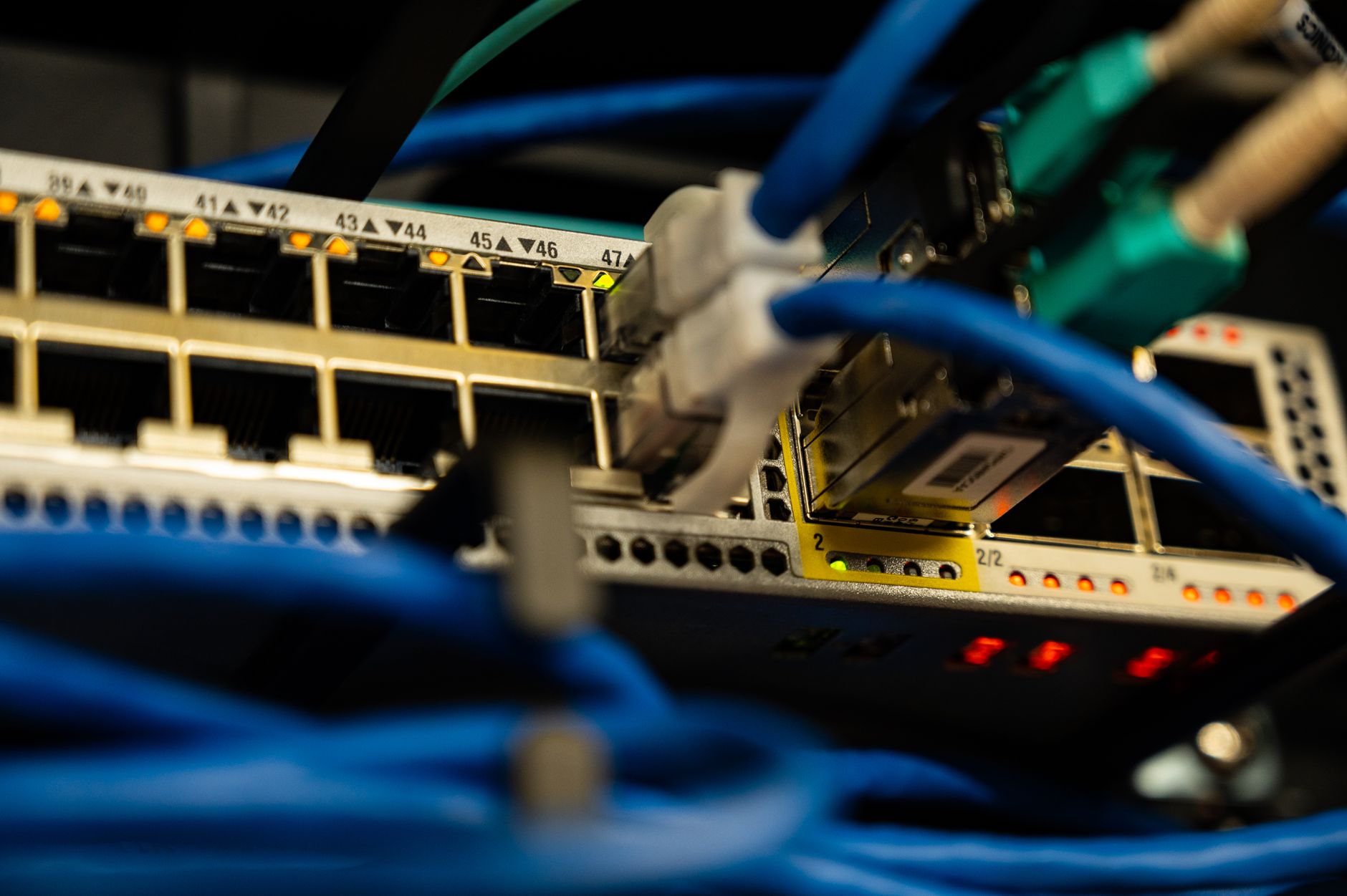
Illustrative photograph: Close-up image of ethernet cables plugged into a network switch, showcasing IT infrastructure. Credit: Brett Sayles.