Assess Starlink for Cloud Gaming With a Repeatable Trial
Speed & Performance
Cloud gaming sends the rendered game video over the connection, which is different from downloading a game and running it locally. Test responsiveness and stability, not just headline download speed.
Work through the setup
Step 1
Choose a service and device you already have permission to use. Check its current network requirements before paying for a long subscription.
Step 2
Use supported Ethernet for an initial trial if available. Compare the same scene later on Wi-Fi to identify local network effects.
Step 3
Start at a modest supported stream setting. Record input delay, picture changes and disconnections during a normal session.
Step 4
Repeat during the hours you usually play. Include one session when the household is using the network normally.
Step 5
Compare Starlink app events with interruptions. A clean speed test at another time cannot explain every failure in the session.
Step 6
Decide using your tolerance for delay and visual quality. Keep an alternative for games where a dropped session has consequences.
Worked example
Suppose a cloud-gaming session looks excellent for ten minutes at lunchtime but disconnects during an evening household upload. The lunchtime speed screenshot is not enough to justify a longer subscription. Repeat at your normal playing time with the same device and game, initially wired if practical. Compare the experience you actually need, including recovery after a brief interruption, before deciding whether the service is suitable.
Interpret the result
- Wired works, Wi-Fi does not: Investigate the local radio path.
- Both fail only under load: Compare competing transfers and queueing.
- One game service alone fails: Check that service and destination path.
Checks and limitations
Do not assume that a higher-priced plan will solve a cloud-gaming fault. Local Wi-Fi, the game's service and the path to its server all deserve comparison before an equipment upgrade.
Is a fast Starlink download result enough to predict cloud gaming quality?
No. Try the actual service for a sustained session at your normal playing time. Compare wired and wireless connections and note input delay, picture quality and interruptions. Cloud gaming depends on consistency as well as available bandwidth.
Sources and review
Official documentation for this guide
Reviewed: 11 November 2026. The practical sequence and worked example are Starlink Tips editorial guidance. Check current instructions for your hardware, software and country.
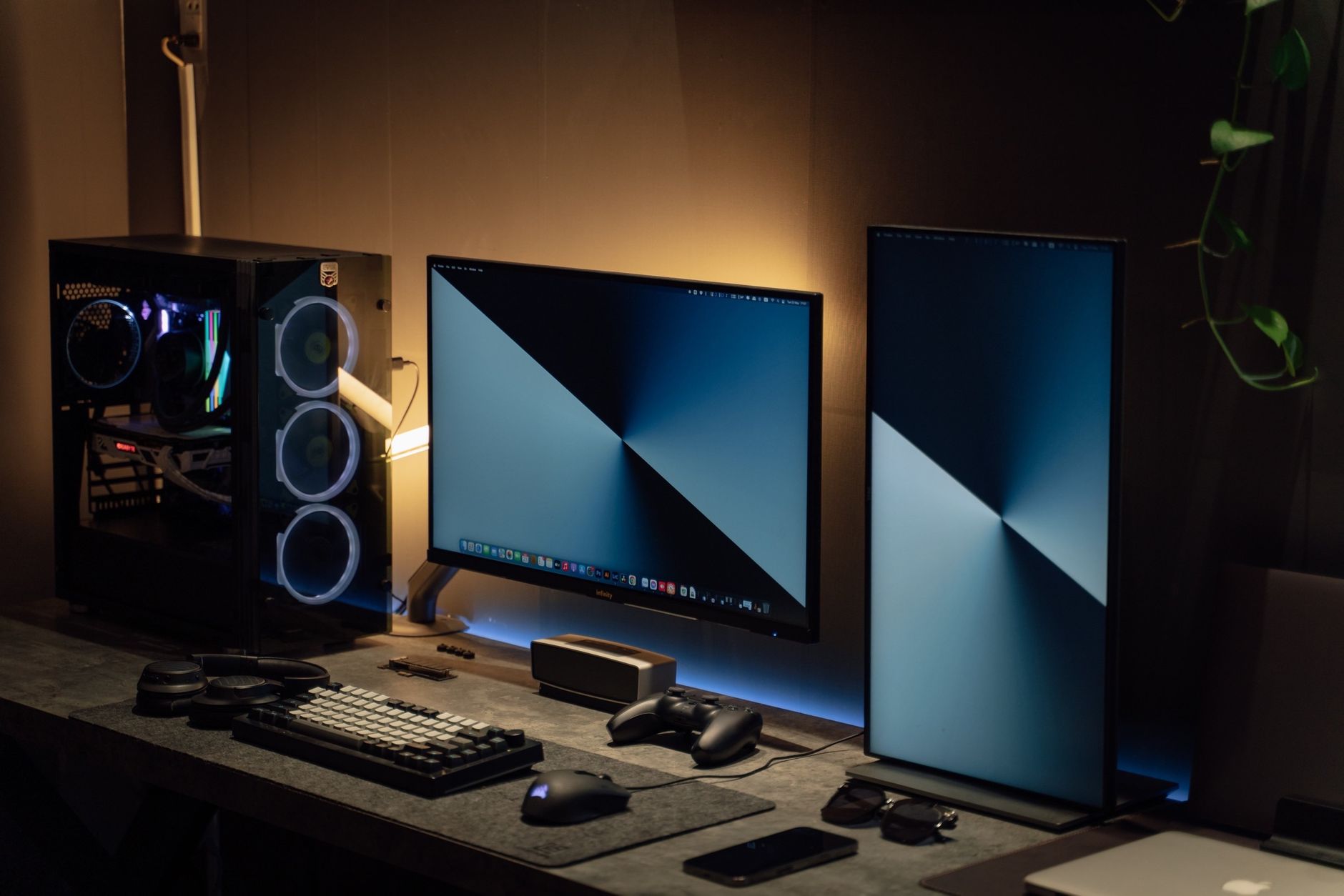
Illustrative photograph: Three young gamers intensely focused on their video gaming session in a dimly lit room, using computers. Credit: Alena Darmel.