Prepare Starlink Travel Registration Before Crossing a Border
Campervans, Motorhomes & RVs
International Starlink travel now needs more preparation than carrying a working dish. Check the account's registration requirements and destination rules while you still have reliable connectivity.
Work through the setup
Step 1
List the countries, territories and approximate travel dates. Check official Starlink availability and the current policy for your plan.
Step 2
Sign in directly to the account and review Registration Requirements. Use Add Travel Plans and any destination-specific forms shown there.
Step 3
Submit only the requested identity information through the official account flow. Check document validity and name matching before submission.
Step 4
Confirm the registration state and keep a private note of any outstanding request. Do not assume submission means approval or guaranteed service.
Step 5
Review international-use time limits and regional groupings in the current Roam policy. Do not rely on an old forum's universal day count.
Step 6
Test the kit before departure and retain another way to communicate. Recheck the account if your itinerary changes.
Worked example
Suppose the dish works at home and you have a travel plan, but the destination's registration section still shows an outstanding requirement. Resolve that before leaving. Save a private note of the current status and the destination policy, then recheck if the itinerary changes. Keep an alternative connection for arrival because approved paperwork and a paid subscription are not guarantees of local service at every location.
Interpret the result
- Registration is incomplete: Resolve the official account request.
- Destination is unsupported: Do not assume registration overrides availability.
- Requirements are complete: Still check plan limits and a backup route.
Checks and limitations
Registration is not a promise of service in an unlicensed destination. Starlink says incomplete required registration can restrict service while billing continues. Resolve account warnings before you depend on the connection abroad.
Does a working Roam plan mean I can skip Starlink travel registration?
No. Check the registration requirements shown in your account and the current policy for your destination. Completing registration does not override local availability or plan restrictions. Submit required information through the official account, not a third-party message link.
Sources and review
Official documentation for this guide
Reviewed: 11 November 2026. The practical sequence and worked example are Starlink Tips editorial guidance. Check current instructions for your hardware, software and country.
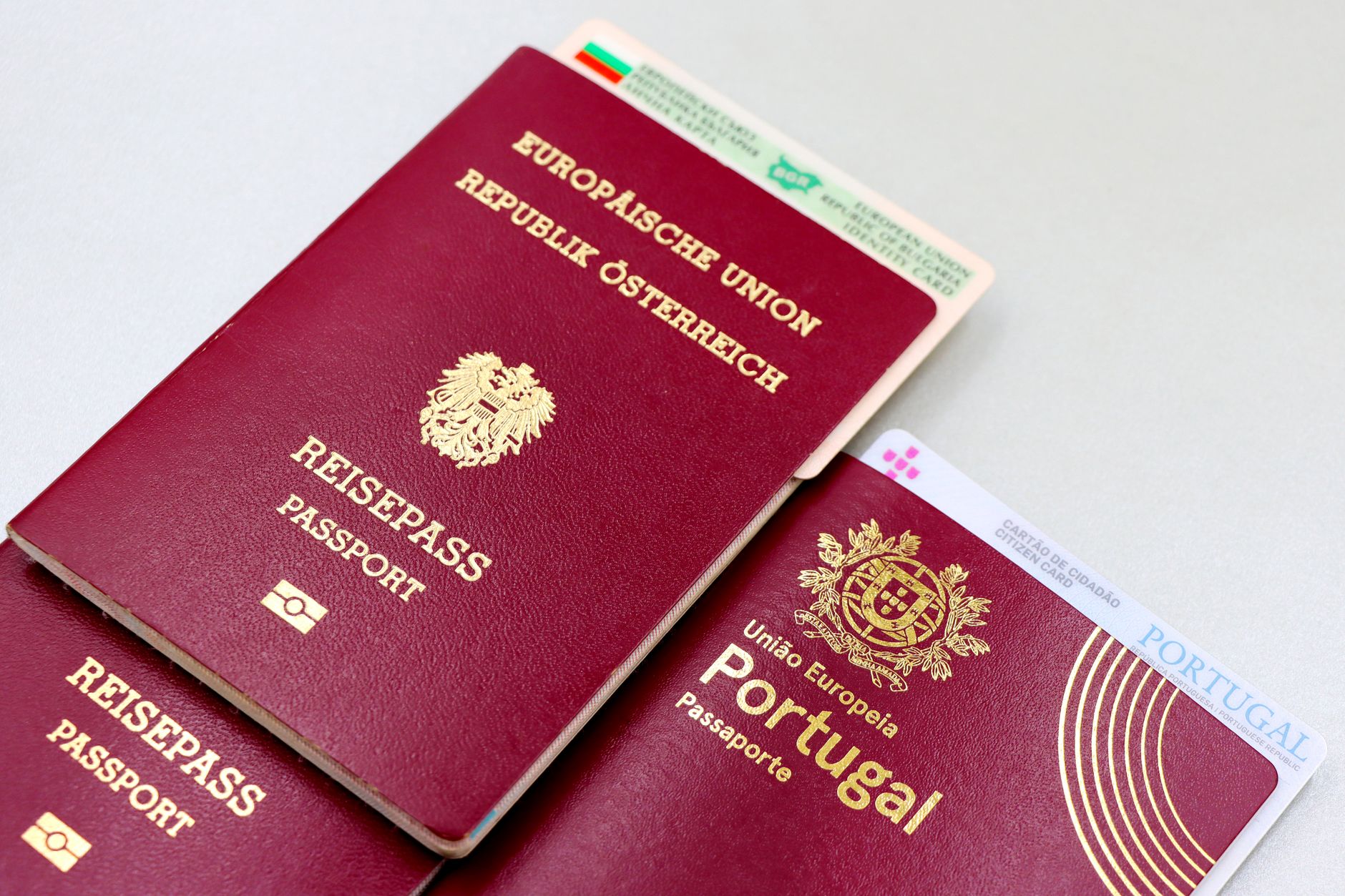
Illustrative photograph: A close-up image of Austrian and Portuguese passports with a Bulgarian ID card. Credit: Marta Branco.